

 WordPress & YOOtheme Pro
 WooCommerce Development
 Website Planning
 Website Ownership & Access
 Website Support & Growth
 Website Launch Checklist
WordPress Caching: Make Nginx, Redis, Cloudflare, and the Browser Work Together
Good caching reuses the right response for the right request. It also knows when a stored result is no longer valid. A page that loads quickly but shows an old price or another visitor’s state is a failed implementation.
In a Linux and FASTPANEL setup, Nginx FastCGI Cache, Redis, Cloudflare Free, and browser caching can each have a useful role. This guide explains those roles, how to avoid overlapping responsibilities, and what to test before accepting the result.
Start from a functioning WordPress server. Caching should improve a known baseline, not conceal an application failure that nobody has investigated. The website infrastructure guide puts these layers in context with hosting, mail, security, and recovery.
Identify the layer before choosing the tool
Compare page, object, edge, and browser caching
| Layer | What it can reuse | Where to verify it |
|---|---|---|
| Nginx FastCGI Cache | Eligible responses produced through PHP-FPM | Origin cache status, configuration, and controlled requests |
| Redis-backed object cache | WordPress objects retained across requests through an integration | Connection state, application behavior, memory, and cache statistics |
| Cloudflare edge cache | Resources eligible under its cache policy | Cloudflare response headers and rules |
| Browser cache | Resources reused locally according to HTTP policy | Browser network tools and response headers |
PHP’s opcode cache is another mechanism, concerned with compiled PHP code. It does not replace the four decisions above. Avoid enabling components simply because their names contain “cache.”
Assign cache ownership and invalidation responsibilities
Document which layer owns page caching, which owns object caching, and which sets browser policy. Several tools can coexist, but each should have a clear job and a known invalidation route.

Define cache eligibility before enabling page caching
Separate public pages from private and dynamic requests
Start with anonymous public pages whose responses can safely be shared. Identify requests that must remain dynamic: administrative actions, previews, login, authenticated sessions, forms with state, and application endpoints with user-specific responses.
Review the HTTP method, URI, query parameters, cookies, response headers, and the functions installed on the site. A generic path list is only a starting point. A membership or multilingual extension can introduce behavior not covered by a basic WordPress recipe.
Exclude WooCommerce sessions and preserve meaningful query parameters
For WooCommerce, cart, checkout, and account pages need exclusion from shared page caching, with session handling reviewed as well. Test the actual endpoints and extensions in use. WooCommerce cache guidance
Do not remove query parameters from the cache key indiscriminately. Some parameters only identify a marketing source; others alter the content or transaction. Treat those cases according to their meaning.

Configure Nginx for both lookup and storage decisions
Set fastcgi_cache_bypass and fastcgi_no_cache conditions
Nginx distinguishes bypassing a cached response from preventing a response from being stored. The configuration needs to account for both. A request that bypasses lookup must not accidentally write personalized output into a shared cache.
Use the appropriate fastcgi_cache_bypass and fastcgi_no_cache conditions, with a cache key that preserves relevant distinctions. Respect the upstream response policy and session behavior rather than ignoring headers to increase hits. These directives are documented in the Nginx FastCGI module.
Validate Nginx configuration and observe cache status
There is no universal configuration block here because the site’s routes, cookies, and panel-managed structure determine the correct conditions. Record where the configuration is maintained and validate its syntax before applying a change. Keep a recoverable previous version.
Provide a way to observe cache behavior. A diagnostic origin header can be useful if configured deliberately; its name is installation-specific. Do not expect an arbitrary tutorial’s header to exist on every server.
Plan invalidation when content changes
Map content changes to affected pages and archives
Publishing or editing a page can affect more than its own URL: a hub, archive, navigation list, or related-content block may display information from it. The purge strategy should reflect those relationships.
Choose how WordPress notifies the page cache of relevant changes, or define an operational purge method if automated integration is not present. A purge plugin needs compatibility with the actual server configuration and permissions; installing one does not create a working purge endpoint automatically.
Test cache purges after edits, deletions, and store updates
Test an edit and confirm which public pages refresh. Also test deletion, status changes, and any important store update. A short cache lifetime can limit staleness, but it is not a complete substitute for correct invalidation when current information matters immediately.
Avoid repeatedly clearing every cache as a diagnostic habit. Broad purges increase fresh work at the origin and obscure the layer responsible for stale content.
Add Redis as an application integration
Connect WordPress to a persistent Redis object cache
Installing the Redis service alone does not make WordPress use a persistent object cache. The application needs a suitable integration and configuration. Redis Object Cache is one available WordPress integration to evaluate; it is an option, not a statement about the plugin installed on every client project. Redis Object Cache
Verify the connection and behavior from the application, then review memory allocation and eviction policy for the intended cache workload. Redis memory must fit within the server’s overall budget alongside PHP and the database.
Isolate Redis namespaces and restrict access
Separate sites’ cache namespaces and operational responsibilities. Do not use a broad flush command without knowing which applications share the instance. A cache should also not be confused with authoritative business storage simply because both can be held in Redis.
Keep Redis restricted to trusted connections. It should not be exposed openly to the internet for this single-server application pattern. Redis security guidance
Configure browser caching through FASTPANEL and Nginx
Set static-content caching in FASTPANEL and verify headers
FASTPANEL’s static-content settings expose cache duration and the extensions treated as static files. The documented route is the site card, Settings, then Static content. This is an appropriate starting point for setting browser policy in this stack. FASTPANEL static content
Inspect what the server actually sends afterward. Browser caching depends on the response headers, not on the presence of a WordPress plugin. A plugin that only edits Apache .htaccess rules does not configure Nginx’s static-file responses.
Match browser cache lifetimes to asset versioning
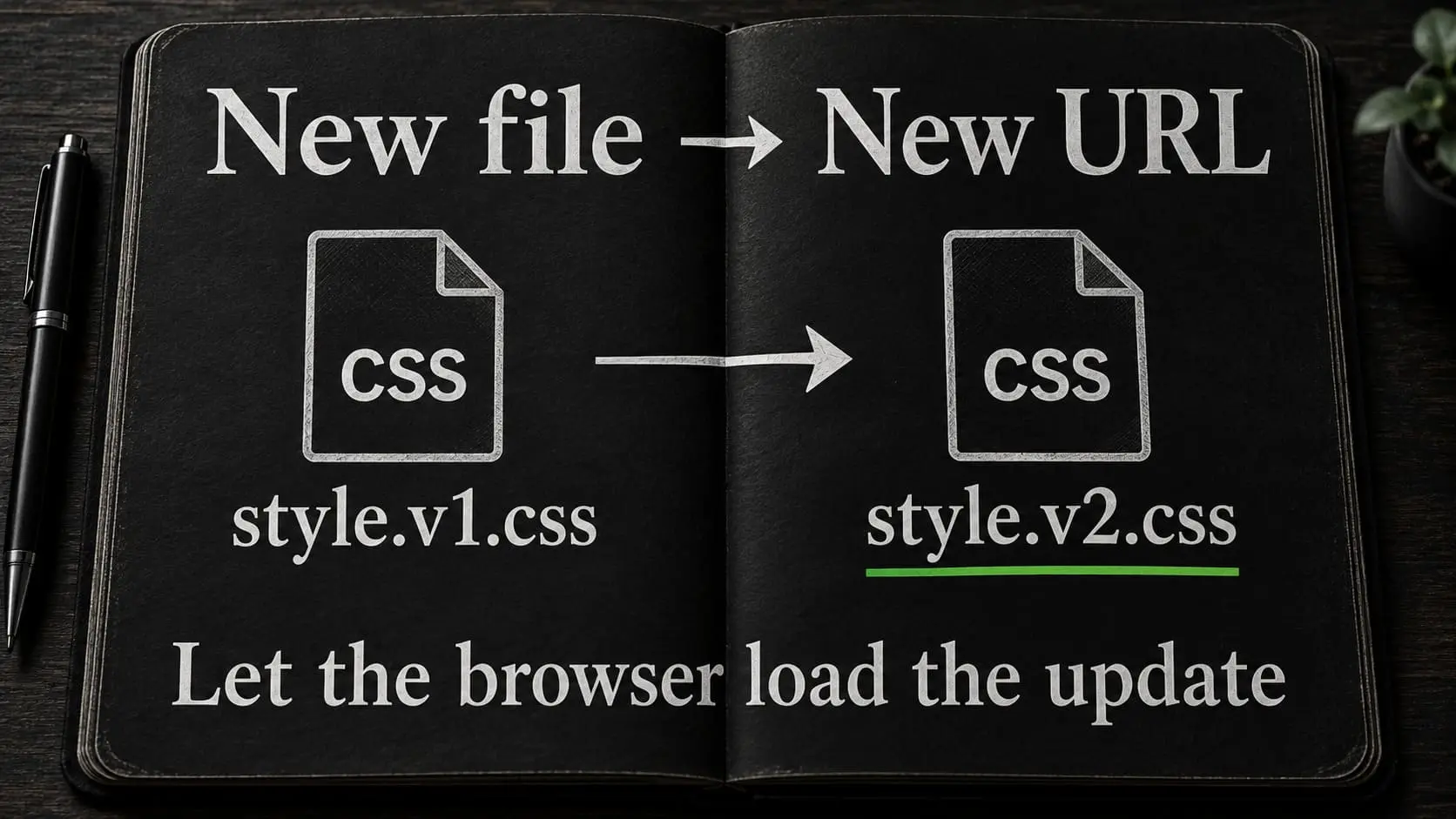
Choose lifetimes based on how assets are updated. Long lifetimes suit files whose URLs change when their contents change. If the same image or stylesheet URL is overwritten, visitors may keep the old copy until its freshness period ends or revalidation occurs.
Version CSS, JavaScript, and other long-lived assets through an effective URL-change strategy. A fingerprinted filename is one option. Do not strip meaningful version parameters while relying on them to refresh resources.
Distinguish no-cache, no-store, and private responses
Understand the basic directives: no-cache permits storage but requires validation before reuse; no-store instructs caches not to store the response. private prevents shared-cache storage but is not equivalent to “never store in the browser.” MDN HTTP caching
Do not assign a long static-resource policy to every HTML response or to sensitive application output. Review cache policy by response purpose.
Coordinate Cloudflare rather than duplicating the whole policy
Coordinate edge caching with browser TTL and origin headers
Cloudflare Free can participate in resource caching, while full-page HTML caching requires a deliberate policy beyond the ordinary default behavior. The Cloudflare guide covers that setup.
Review Browser Cache TTL and origin headers together. Also distinguish edge invalidation from browser invalidation: purging Cloudflare does not force a visitor’s browser to discard a still-fresh asset already stored locally.
Check Cloudflare and Nginx cache status separately
When diagnosing a response, examine Cloudflare’s status separately from Nginx’s. An edge miss may still reach a fast origin cache hit. A high edge hit rate is not meaningful if the policy also caches responses that should remain private.
If full-page edge caching is introduced later, repeat the eligibility and invalidation review at that layer. Do not assume that origin exclusions have automatically become equivalent Cloudflare rules.
Test correct behavior before measuring improvement
Test anonymous visitors, logged-in users, and store sessions
Use separate browser sessions and representative pages. Include a normal anonymous visitor, a logged-in account, and a store session where relevant.
| Test | Expected outcome |
|---|---|
| Repeated anonymous request to an eligible page | Reuse occurs at the configured layer without changing the correct content |
| Logged-in or preview request | The intended private or current view is preserved |
| Two independent store sessions | Cart and account state remain separate |
| Content edit affecting a page and archive | Both update through the defined invalidation route |
| Updated CSS or JavaScript | The browser requests the intended new version |
| Form submission | Submission and confirmation work after cache warm-up as well as before it |
| Cache service unavailable in a controlled test environment | Failure behavior is understood and does not silently corrupt business data |
Inspect Cache-Control and cache-status response headers
Inspect a real resource’s response using browser tools or a read-only request. Replace the example URL with an actual resource on the site you administer:
curl -sS -D - -o /dev/null https://example.com/path/to/actual-stylesheet.css
Look for Cache-Control, Expires, validators where used, and relevant layer-status headers. Use a GET response rather than assuming a HEAD request follows exactly the same application path. Do not add arbitrary cache-busting parameters while trying to observe ordinary reuse.
Compare cold and warm requests under the same conditions
Then compare load behavior under documented conditions. Separate a cold first request from a warm repeat request, and compare the same page and environment. Do not advertise one laboratory score as a permanent guarantee.
Diagnose stale content in order
Trace stale content through the origin, Cloudflare, and browser
First confirm the stored WordPress content is correct. Then identify whether the stale item is the HTML page, a generated component, or a static asset.
Inspect the origin response through an authorized diagnostic route, then Cloudflare, then the browser. Preserve the request’s hostname and session conditions. An administrator preview can show fresh content while ordinary visitors receive a cached version.
Fix asset versioning, purge dependencies, or cache exclusions
If the resource URL did not change after replacing a long-lived asset, repair the versioning approach. If a related archive remained old after a page edit, repair the purge dependency. If another user’s state appears, stop serving the affected shared response and investigate the cache key and exclusions before re-enabling that policy.
Keep the broader operational review linked to server maintenance so a cache disk or memory problem is not mistaken for an editorial issue.
Frequently asked questions
Do I need all four layers on every site?
No. Each layer should solve a real problem and have a maintainable configuration. Start with a correct baseline, introduce the relevant layer, and verify its effect.
Which browser-cache plugin do you recommend here?
For FASTPANEL/Nginx, I recommend configuring static-resource policy at the server and verifying it through the final response. An additional plugin solely for browser headers is unnecessary when that responsibility is already handled correctly.
Does Redis cache the finished page?
In the WordPress object-cache role described here, it retains application objects across requests. That is different from Nginx serving a cached HTML response. Verify each integration separately.
Why do visitors see old content after I clear WordPress cache?
The stale copy may be at Nginx, Cloudflare, or in the browser. Determine which resource is stale and inspect the layers. A plugin’s clear button does not necessarily invalidate every cache in the delivery path.
Can I cache WooCommerce product pages?
Some public responses may be eligible, but behavior depends on sessions, pricing, currency, personalization, and extensions. Cart, checkout, and account interactions require particular exclusions. Test the actual store rather than copying a blanket rule.
Will longer cache lifetimes always make the site better?
They can reduce repeated transfers but increase the consequences of poor invalidation. Choose lifetimes together with an update strategy. Correct, current content and working transactions take priority over a higher cache-hit number.
Configure caching for the actual website
I can review the WordPress environment and connect the relevant cache layers, with exclusions and update behavior tested against the site’s functions. Tell me which stack you use and what is slow or stale.