

 WordPress & YOOtheme Pro
 WooCommerce Development
 Website Planning
 Website Ownership & Access
 Website Support & Growth
 Website Launch Checklist
Website Ownership: Keep Control of the Accounts, Content, and Infrastructure
Being able to edit a WordPress page is only one part of controlling a website. The domain, DNS, server, mail, analytics, software subscriptions, and recovery methods may be managed through different accounts.
If only the developer can access those accounts, changing providers can become an operational problem. A better arrangement establishes the client’s control from the start and gives the implementer the access needed to do the work.
This guide explains how to organize that control, what to record, and how to hand over a project without guessing where its dependencies live. It is part of the complete website development approach.
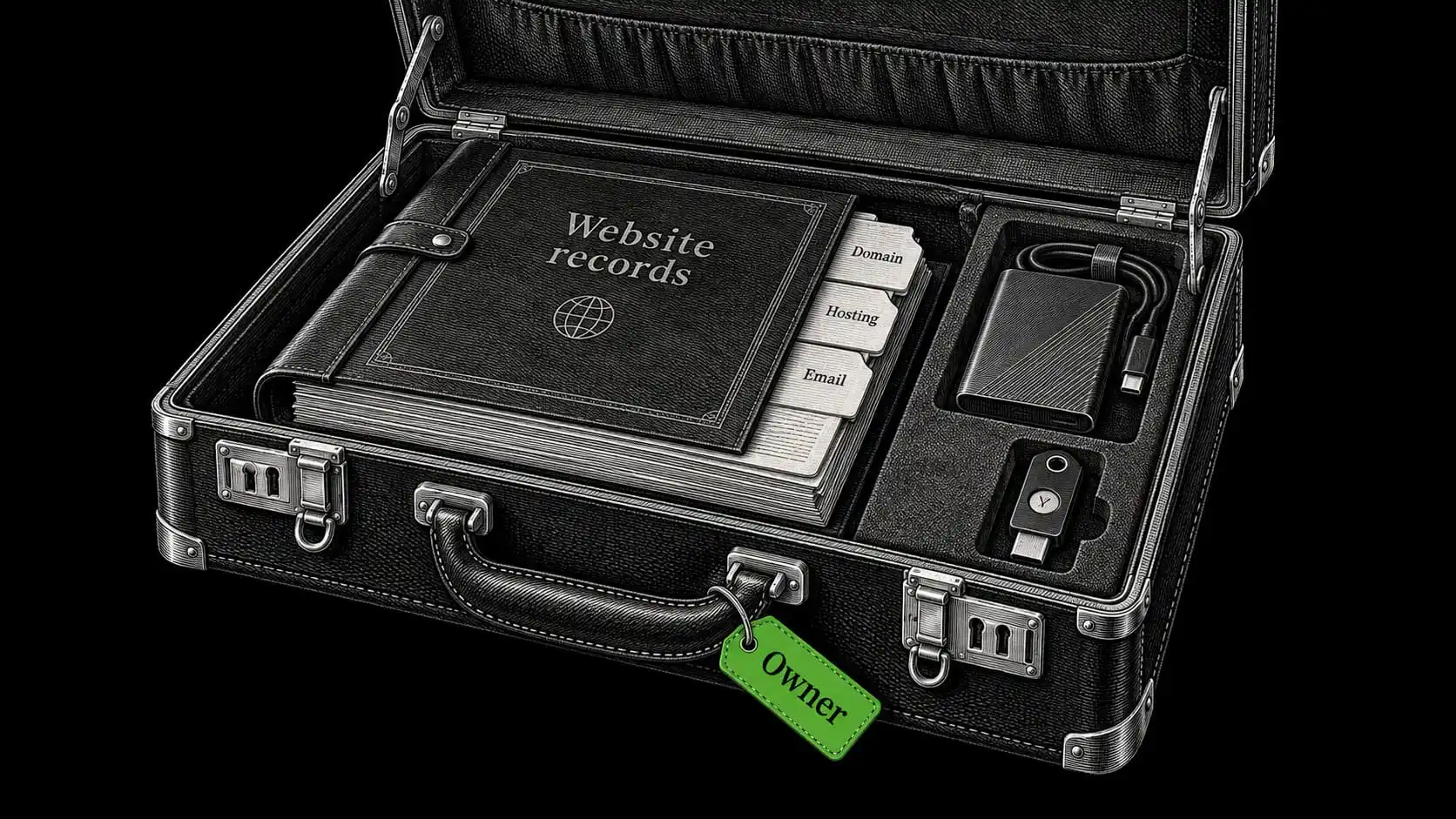
Separate account control, editing access, and usage rights
These are related but different responsibilities.
Account control: administer and recover the service
Account control is the ability to administer a service, manage billing and renewal, recover access, and authorize other people.
Editing access: change the website
Editing access is the ability to change website content or settings. A client can have WordPress administrator access while the domain remains in someone else’s account.
Usage rights: understand what the delivery includes
Usage rights describe how delivered or third-party materials may be used under the relevant agreement or license.
A client can receive all site files while lacking the subscription required for future vendor updates. A project can include third-party software without transferring exclusive ownership of that software.
Review all three dimensions. A folder of passwords is not a complete description of the project, and a single sentence saying “you own the website” does not explain its dependencies.
Register for the client whenever possible
Put the business in control and delegate the work
For a new project, start with client-controlled accounts and accurate business details. Invite the developer through delegated access where the provider supports it. Use separate user identities so access can later be removed without changing the owner’s identity.
Keep billing and recovery independent of the developer
Check billing and recovery at the same time. Renewal notices should reach someone responsible for the business, and recovery should not depend solely on a contractor’s phone or personal email.
Avoid circular recovery arrangements where possible. If losing access to the domain would also disable the only mailbox capable of recovering the domain account, document an independent recovery route supported by the provider.
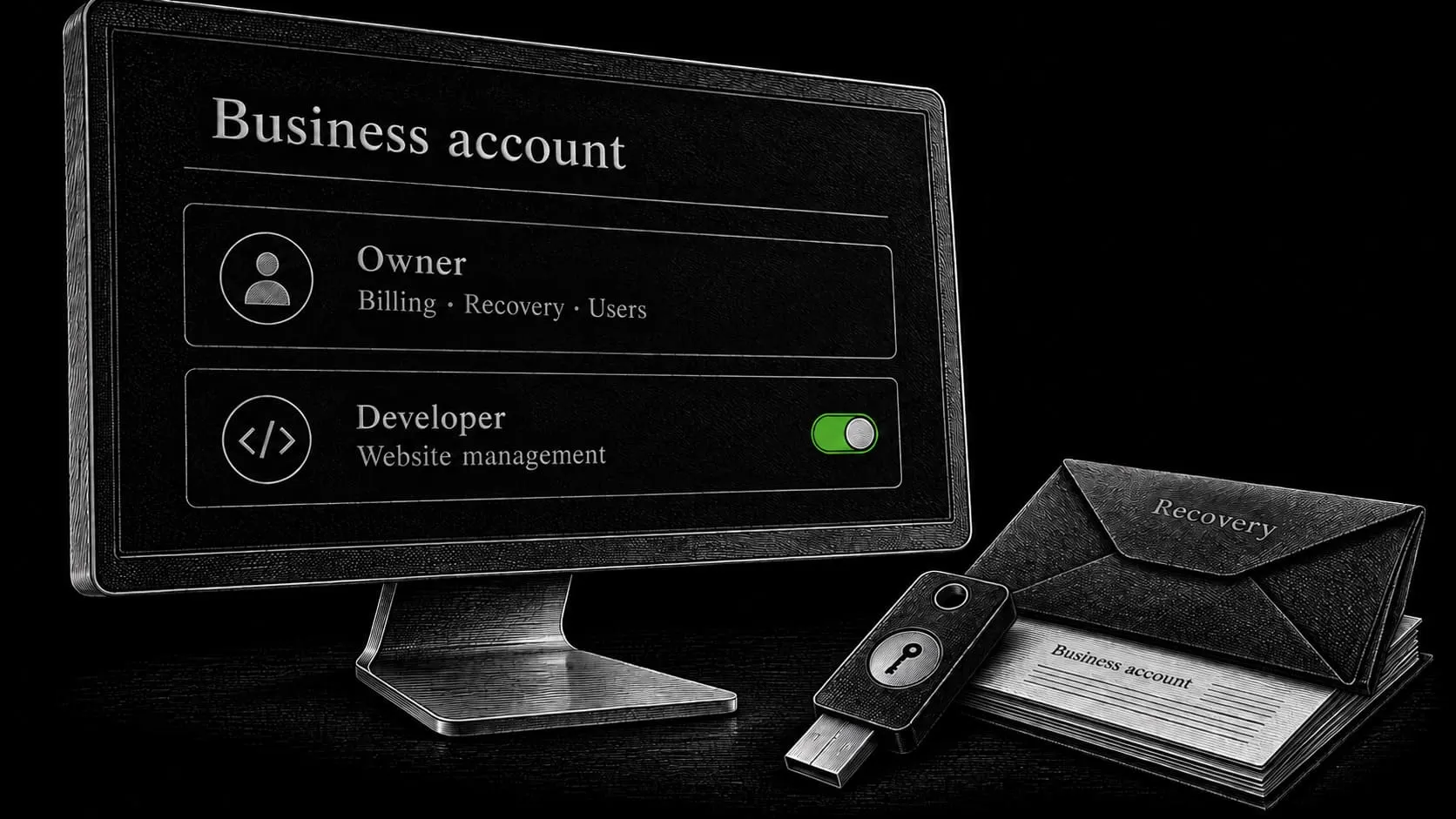
How I organize client ownership
I aim to register the project’s services directly for the client. Where something needs to be handed over, I provide the relevant access and project information. Continued work with me is a choice, not a condition imposed through control of the domain or hosting.
You receive the project-specific content, code, and materials included in the delivery, with the agreed rights and third-party dependencies made clear. My role is to organize and implement the system for your business, including the access another developer would need to continue it.
Build an inventory that another person can use
Record the route to each account without exposing secrets
Record the provider and login location, account owner, billing responsibility, renewal information, access method, recovery route, and current purpose. Store secrets in an appropriate password manager; the general inventory can refer to their location without exposing them.
| Asset | What the owner should be able to control | What to document |
|---|---|---|
| Domain registration | Renewal, account recovery, nameserver changes, and transfer requests subject to provider rules | Registrar, registrant details, expiration, billing, recovery |
| DNS and Cloudflare where used | DNS records, permissions, and relevant delivery or protection settings | Active DNS provider, zone ownership, records, configured services |
| Server or hosting | Account administration, service renewal, backups, and authorization of a replacement maintainer | Provider, plan, server details, access method, recovery and billing |
| WordPress | Administrative access and user management | Admin URL, owner account, roles, authentication, special settings |
| Business email | Mailbox administration and provider recovery | Provider, mailboxes, aliases, DNS dependencies, sending services |
| Analytics and Search Console | Owner-level control appropriate to each platform and access management | Properties, data streams where relevant, verification methods, users |
| Software and media licenses | A clear route to legitimate continued use and any required updates | Vendor, license holder, renewal, permitted use, transfer limitations |
| Code and site materials | Access to the delivered files and project-specific work | Repository or archive, deployment notes, source materials, dependencies |
| Store services where applicable | Merchant control of payment and operational accounts | Providers, account contacts, integrations, responsible operator |
| Social or integration accounts created for the project | Business control and the ability to replace integrations | Accounts, delegated users, tokens, dependencies, recovery |
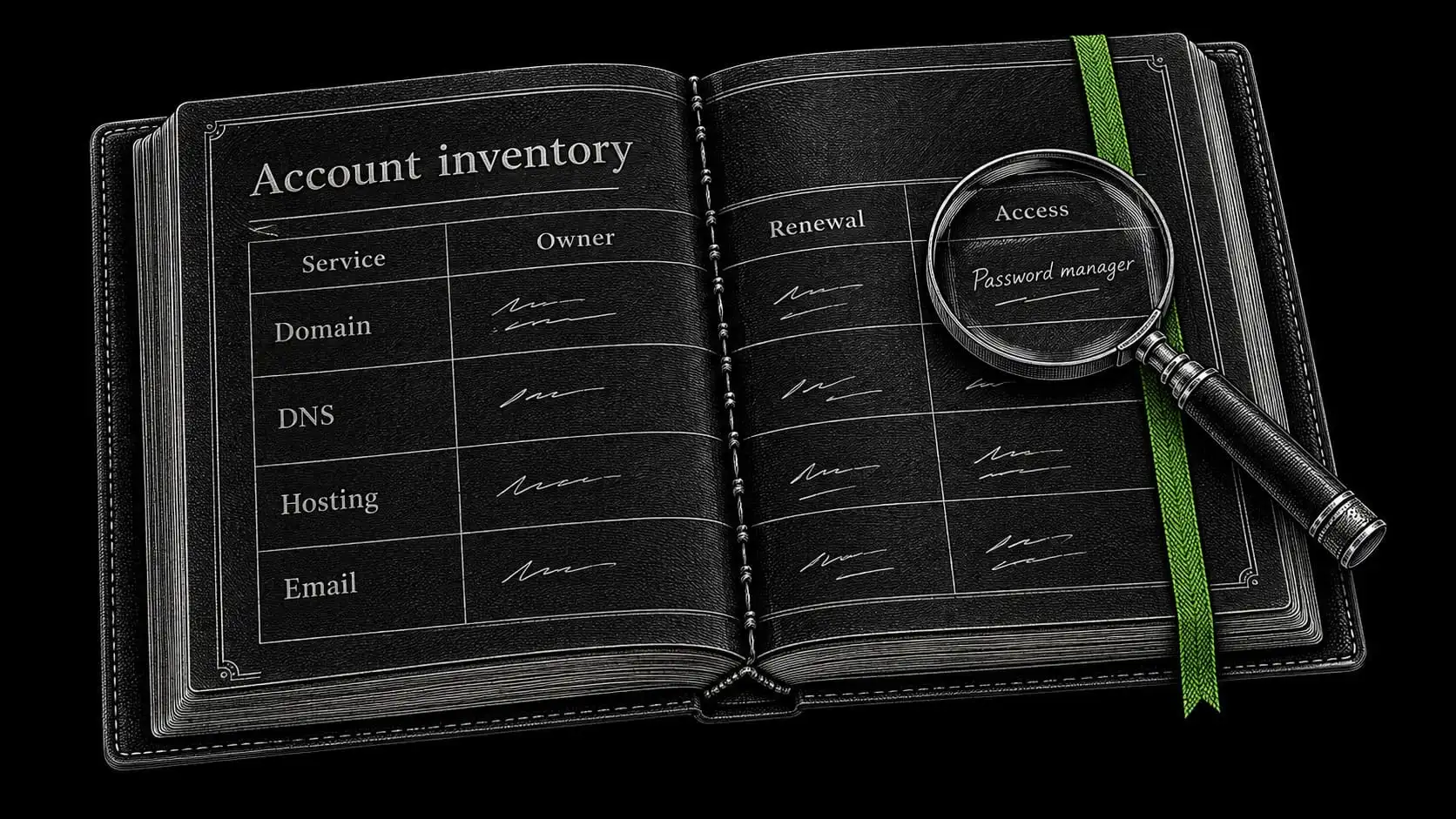
Document the actual level of server access
On a client-controlled VPS, record the owner’s route to root or equivalent administrative access, as well as the normal maintainer’s access. A managed hosting service may not provide root access; document the administrative control it actually offers instead of inventing a credential that does not exist.
Make renewal and licensing visible
Separate the build cost from recurring commitments
Distinguish the initial project fee from recurring services. Domain registration, infrastructure, business email, commercial plugins, and other subscriptions may renew at different times and through different providers.
For each recurring item, record who pays, where renewal is managed, and what depends on the service. Do not assume that turning off a subscription merely removes support; the practical effect depends on the vendor and product.
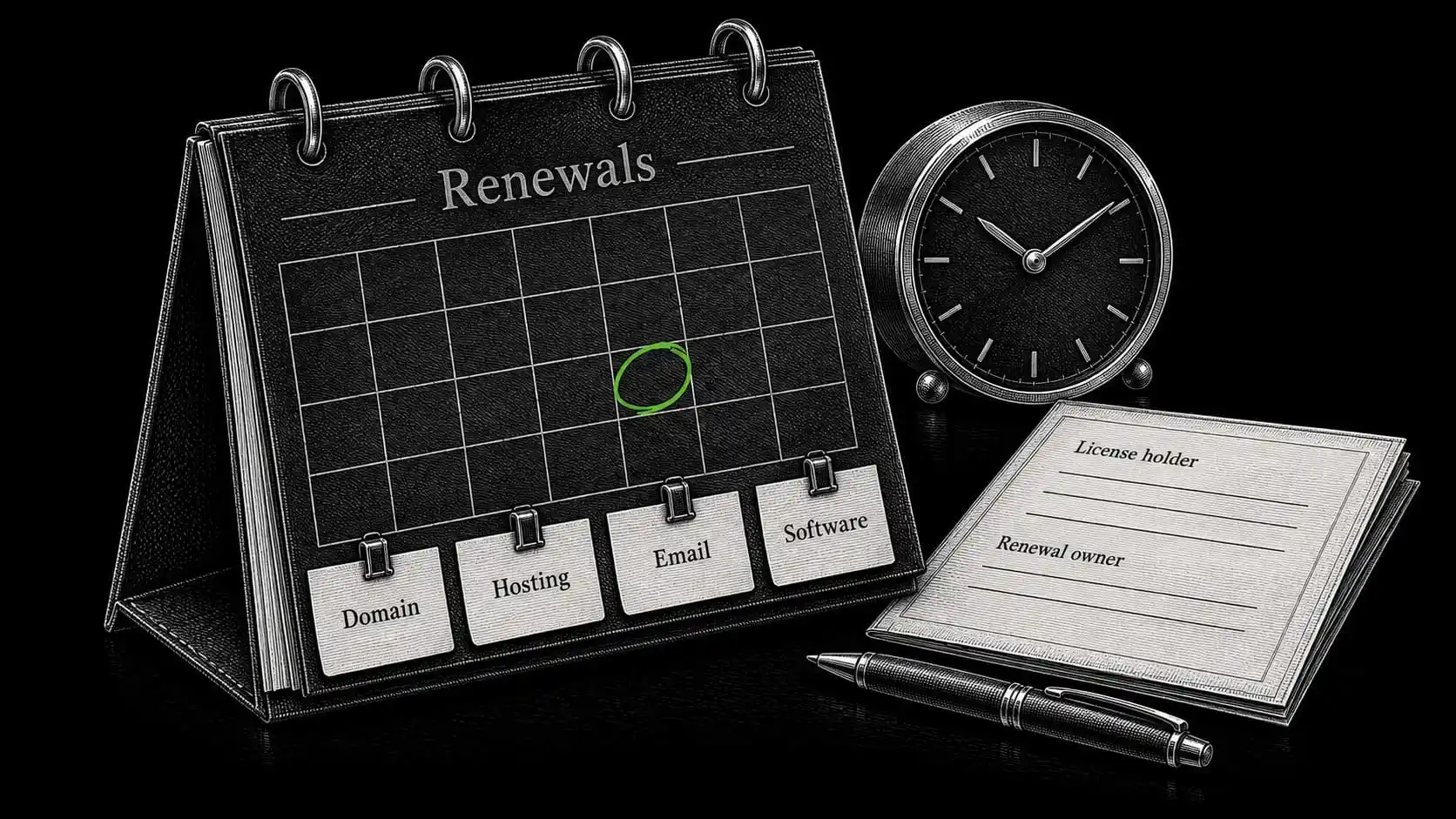
Distinguish delivered work from third-party licenses
WordPress is distributed under an open-source license. Its inclusion in a client project does not make it exclusive client-owned software. Commercial extensions and media can introduce different access, update, and usage conditions. WordPress license information
For project-specific text, images, and code, describe the delivery and rights arrangement clearly in the project agreement. Distinguish original commissioned material from client-supplied material, licensed assets, and third-party components. Do not promise exclusive rights to stock images, fonts, or software supplied under someone else’s license.
Make continued YOOtheme updates and support possible
For a YOOtheme-based website, identify the license arrangement and how a future maintainer can obtain the vendor access needed for updates or support. The WordPress and YOOtheme guide also explains why changing builders may require implementation work even when all the site data is accessible.
Give the owner useful project documentation
A replacement developer needs to understand how the website is assembled. Provide enough information to locate the important parts and make changes deliberately.
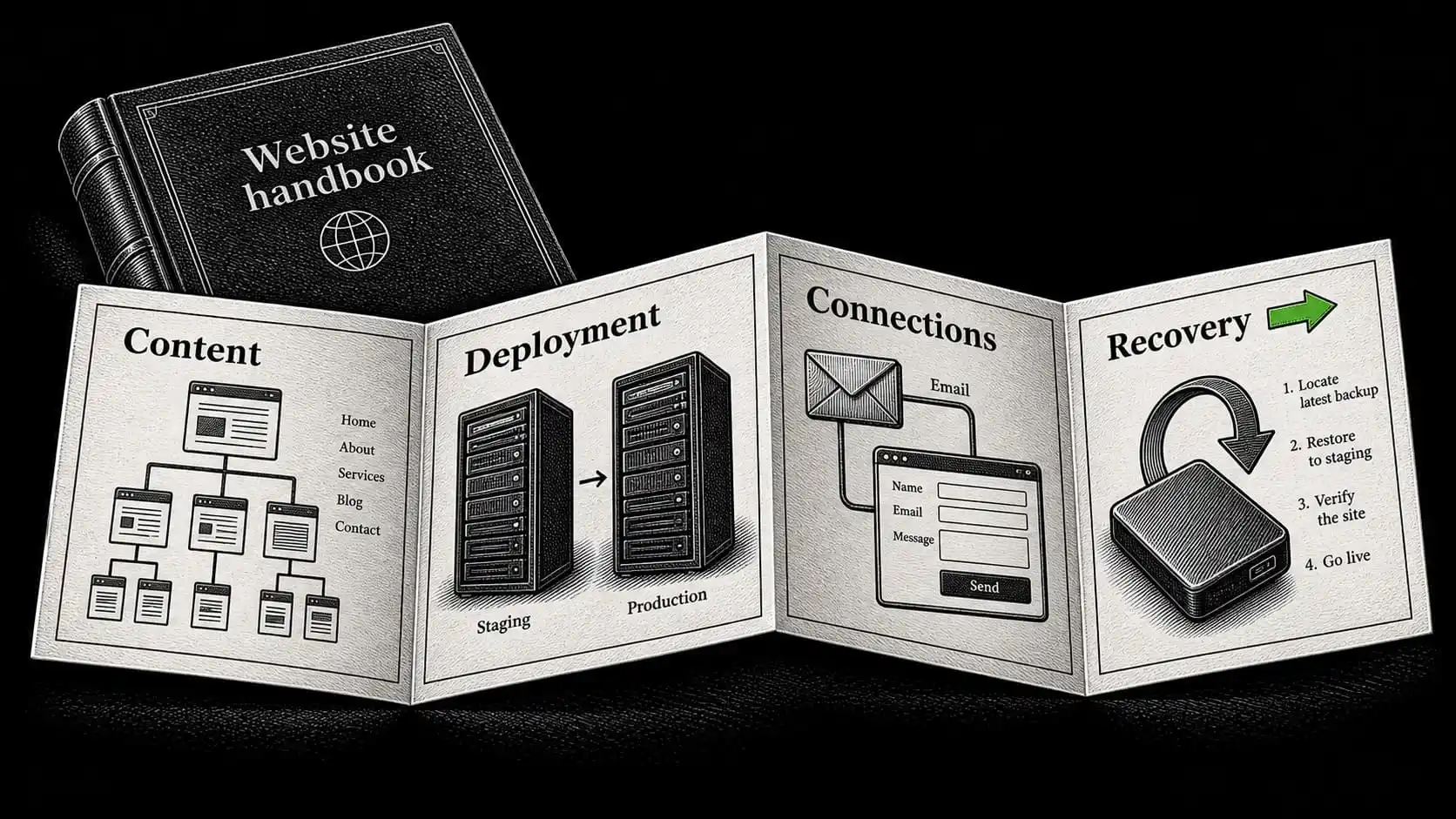
Explain the content system and deployment process
Include the content structure, custom fields or types where used, template assignments, essential plugins and their purposes, and any project-specific code. Describe how production and staging differ and how a release is normally made.
Document the services outside WordPress
Record external connections: forms and their recipients, mail transport, analytics, DNS, caching, backups, and scheduled jobs where present. Identify any configuration stored outside WordPress. A site export alone may not include server configuration or credentials held in an external service.
Leave a clear record of checks and unfinished work
Include known limitations and unfinished items. An honest note about an untested recovery route is more useful than a generic statement that everything is fully documented.
The launch record from the website launch checklist provides a baseline: what was checked, when, and what still needs observation.
Verify control before removing the previous access
A handover should be a short sequence of verifiable actions, not a last-minute email containing credentials.
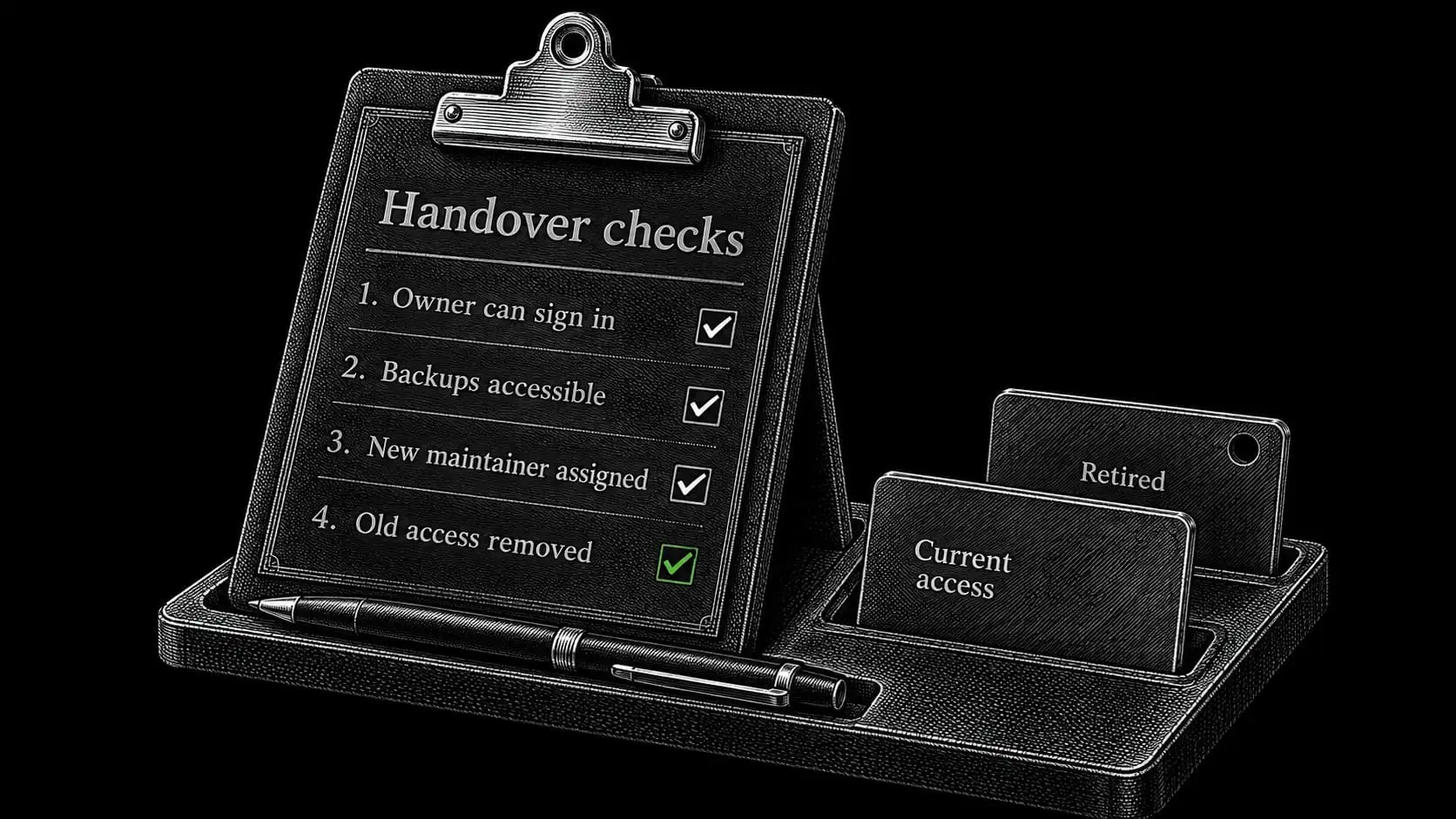
First, confirm the owner’s independent access
Have the owner sign in through their own account. Confirm the relevant account roles, billing visibility, and recovery arrangements. The owner should be able to authorize another maintainer without asking the departing developer to do it.
Next, confirm the project and recovery materials
Check that the documentation and delivered files can be opened. Confirm access to the backup location and the method used to restore it. Database and file backups are separate components of a WordPress recovery set. WordPress backup documentation
Then, establish the replacement responsibility
Name the person who will handle renewals, updates, alerts, inquiries, and any store operations. If nobody is taking over a particular task, make that gap explicit. Removing a maintainer does not assign the work automatically to the hosting provider.
Finally, remove or rotate access deliberately
Remove the access that is no longer needed and update shared secrets where applicable. Review API tokens, SSH keys, mail credentials, recovery methods, and integrations as well as ordinary user accounts.
Do not rotate a credential blindly if a live form, scheduled task, or integration depends on it. Update the dependent configuration and test the relevant function. Confirm that the new alert recipient receives notifications before disconnecting the old route.
This sequence allows the owner to regain sole control without unnecessarily interrupting the website.
Protect access without making the project dependent on one person
Match each person’s access to their responsibilities
Use individual accounts and the permissions appropriate to the task. A writer generally does not need infrastructure access. A server maintainer may need permissions that are inappropriate for an everyday content editor.
Secure credentials and preserve the owner’s recovery route
Use strong authentication and retain recovery methods securely. Avoid distributing root passwords, recovery codes, or API secrets through public forms, ordinary project documents, or screenshots of settings.
Keep an owner-controlled route to critical services even when daily management is delegated. Security and independence support each other when access is intentional and documented. WordPress’s security guidance treats credentials, software, hosting, and recovery as connected responsibilities. WordPress hardening guidance
What happens when my involvement ends
Keep the project usable by another developer
The website, infrastructure, and business accounts should remain under your control. You can change access and appoint another developer. Any dependencies that require a new vendor subscription or a specific technical skill should be visible in the handover information.
Make the end of access and monitoring explicit
I do not treat handover as permission to keep entering the accounts. If the website remains under my management, continued access and monitoring support that agreed work. If management ends, responsibility passes to you or your chosen maintainer.
Review the support and growth guide before deciding which responsibilities to retain yourself and which to delegate.


