

 WordPress & YOOtheme Pro
 WooCommerce Development
 Website Planning
 Website Ownership & Access
 Website Support & Growth
 Website Launch Checklist
Building a WooCommerce Store with Content That Helps People Buy
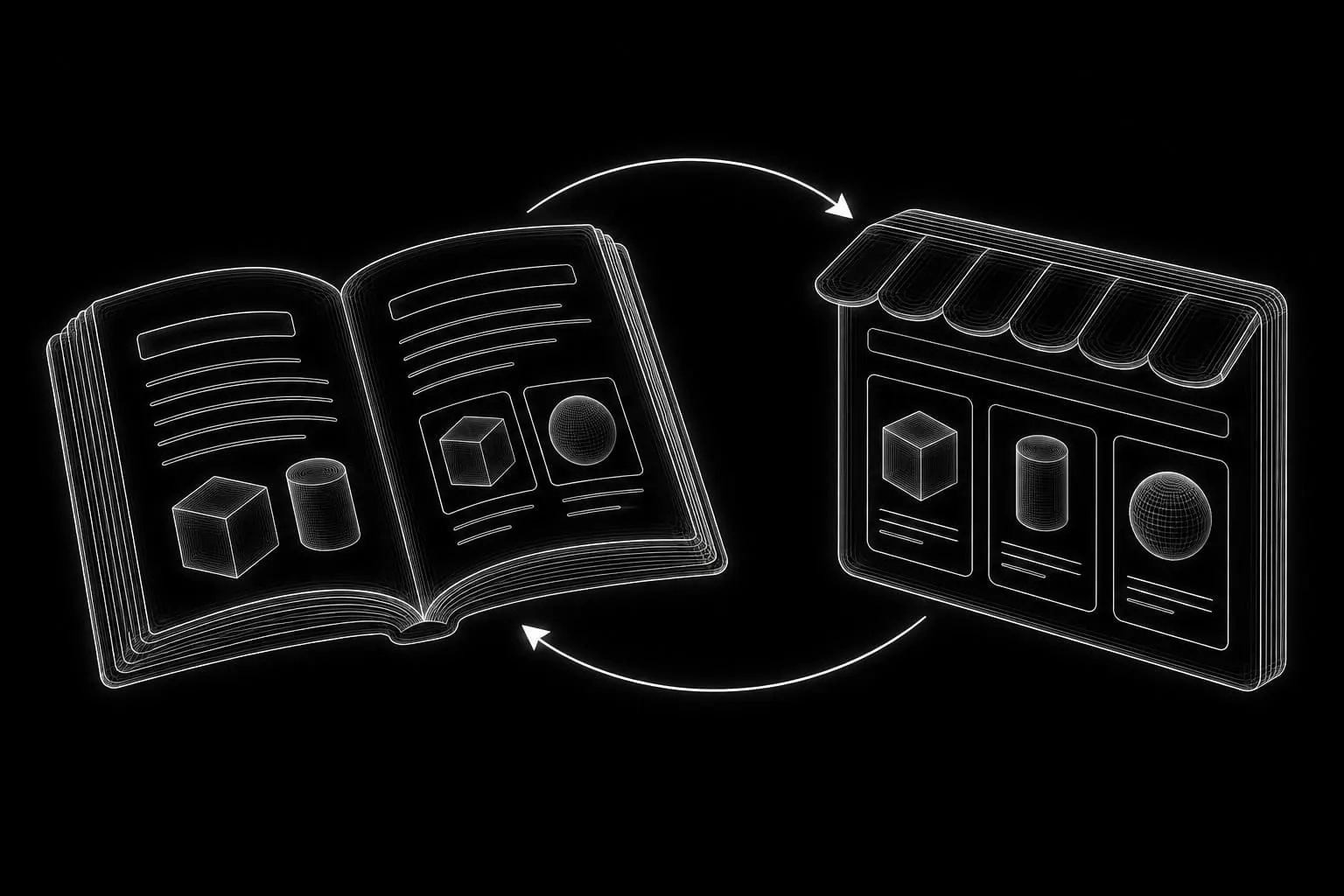
A store has to do two jobs together: help people choose and let them complete a reliable purchase. A catalog without useful explanations can leave shoppers uncertain. Educational articles without a clear connection to the catalog can leave them unsure where to go next.
WordPress and WooCommerce let the store and its supporting content live within one website. The project still needs a clear plan for product information, navigation, payments, fulfillment, and the relationship between commercial and educational pages.
Use this guide to prepare a new store and test whether its essential parts work together. It expands the ecommerce part of the complete website development guide.

Establish what the business is ready to sell
Define the initial catalog and operating responsibilities
Before choosing a storefront layout, identify the initial catalog and the operational rules behind it. Determine what is available, where orders can be fulfilled, who maintains stock and prices, and what happens after an order arrives.
The first store release should be based on products the business can describe accurately and supply under clear conditions. An unfinished supplier catalog, unavailable images, or uncertain shipping rules can delay a project more than the page design.
Resolve missing information before committing to launch
Record missing information rather than hiding it inside a general “content to follow” task. Separate information the owner can provide from material that needs to be obtained elsewhere. If a product cannot yet be represented accurately, decide whether it belongs in the initial catalog.
WooCommerce’s setup workflow covers the core store configuration, but completing a setup screen is only one stage of preparing a real business to take orders. WooCommerce setup documentation
Create a dependable product-data source
A structured product sheet makes catalog preparation easier to review and repeat. Agree on identifiers and consistent values before importing a large number of entries.
Define the information each product needs
| Information | What needs to be clear | What goes wrong if it is missing |
|---|---|---|
| Product identity | Stable SKU where used, name, and correct product type | Imports and updates can create duplicates or alter the wrong record |
| Price and availability | Current price, stock handling, and who updates them | The storefront can accept orders on incorrect terms |
| Variations and attributes | Which choices change the purchasable item and which merely describe it | Customers may be unable to select the intended configuration |
| Images | Correct item, useful views, sufficient quality, and permission to use | Shoppers cannot reliably assess what they are buying |
| Specifications | Relevant measurements, materials, compatibility, or other factual details | Important selection questions remain unanswered |
| Delivery information | Applicable dimensions, weight, restrictions, and fulfillment rules | Shipping calculations and delivery expectations become unreliable |
| Supporting explanation | Intended use, limitations, and information needed to choose | Product copy remains generic and unhelpful |
Verify the facts and test a small import
Do not let AI supply unknown specifications. It can help organize and clarify verified data, but an attractive invented attribute is still inaccurate product information. Likewise, an illustrative image should not imply features or packaging the real item does not have.
Import a small, representative batch first. Check the product type, variations, images, category assignment, and update behavior before applying the same mapping across the catalog. Keep the original data file and a record of the mapping so later updates are reproducible.

Give categories, filters, and products different jobs
Organize the catalog around how buyers choose
Categories help shoppers understand the available range. Attributes describe meaningful characteristics. Filters help narrow a range using those characteristics. Product pages explain a specific purchasable item.
Build the hierarchy around how a buyer makes a selection. Internal stock codes or supplier groupings may be useful to the business without being suitable navigation labels.
Make filters useful without multiplying unnecessary pages
Choose filters that reflect real distinctions in the catalog. A filter with inconsistent values or almost no useful options adds friction. Test empty-result states and make it easy to undo a selection.
Do not assume that every filter combination needs a separate indexable page. Treat useful search destinations deliberately and review parameterized URLs, canonical behavior, and crawl paths with the Technical SEO section. The goal is a navigable catalog with purposeful public pages, not the largest possible number of URLs.

Write product and category content for their respective decisions
Help category visitors understand the range
A category page should help someone understand the range and choose where to explore. Keep the explanation accessible without pushing the actual products far down the page. More detailed selection guidance can live in a linked supporting guide.
Explain the differences that matter across the category: what separates the available options, which characteristics deserve attention, and where a buyer can find more detail. Leave item-specific specifications to the relevant product pages.
Put purchase-critical information on the product page
A product page needs enough information to judge suitability and purchase with informed expectations. Put the facts that affect selection near the relevant choice or action. Explain significant limitations plainly. Do not rely on a generic FAQ to supply information that belongs beside the product itself.
Use consistent factual fields without forcing every product description into identical prose. Some entries need a concise explanation, while others need a compatibility discussion or detailed specifications. The amount of content should follow the decision being made.
Reviews, demonstrations, and other evidence must come from real, usable material. Where evidence is unavailable, improve the accuracy and clarity of the product explanation rather than manufacturing social proof.
Connect useful articles to the catalog
Answer questions that extend beyond one product
Plan supporting pages around questions that extend beyond a single product record: how to choose, how to compare relevant characteristics, how to prepare, or how to avoid an unsuitable purchase.
Each guide should help the reader accomplish that task even if they do not order. Where a category or item genuinely matches the explanation, link to it with clear context. The corresponding catalog page can link back to the guide for shoppers who need more detail.
Keep links specific and current
Avoid attaching the same block of article links to every product. The relationship should be useful and specific. Review links when products are discontinued or the range changes so an evergreen guide does not become a route into unavailable stock.
The website planning guide explains how to assign page responsibilities. The SEO Content hub supports the deeper editorial work and future expansion of these topics.
Build the presentation around the shopping journey
Follow the route from category to checkout
Check the journey in order: find a relevant category, understand the choices, inspect a product, choose an available option, add it to the cart, and complete checkout.
WordPress content and WooCommerce product data should remain manageable in their appropriate records. Use YOOtheme Pro templates to present that information consistently, while testing the selected store extensions and their interfaces together.
Test mobile controls and access to order information
On mobile, inspect the variation controls, stock messages, quantity fields, cart feedback, and form errors. A layout can look finished in a screenshot while being difficult to use during an actual purchase.
Make contact and relevant delivery or return information easy to find. Customers should not have to abandon checkout to discover the basic conditions of the order.
Configure payments and fulfillment before the final review
Prepare merchant accounts and checkout rules
Identify payment providers suitable for the business and selling market. Account ownership, provider verification, and live activation are merchant dependencies; a developer cannot replace the owner’s required business information.
Configure shipping destinations and methods against the actual fulfillment policy. Confirm how the store handles an unsupported address, an unavailable item, and an order that changes shipping cost. Tax configuration should follow the rules established for the business, rather than assumptions copied from another store.
WooCommerce exposes separate settings for products, inventory, payments, shipping, and related store behavior. Review the relevant settings together so the displayed offer and checkout calculation agree. WooCommerce settings documentation
Confirm that order notifications reach the right people
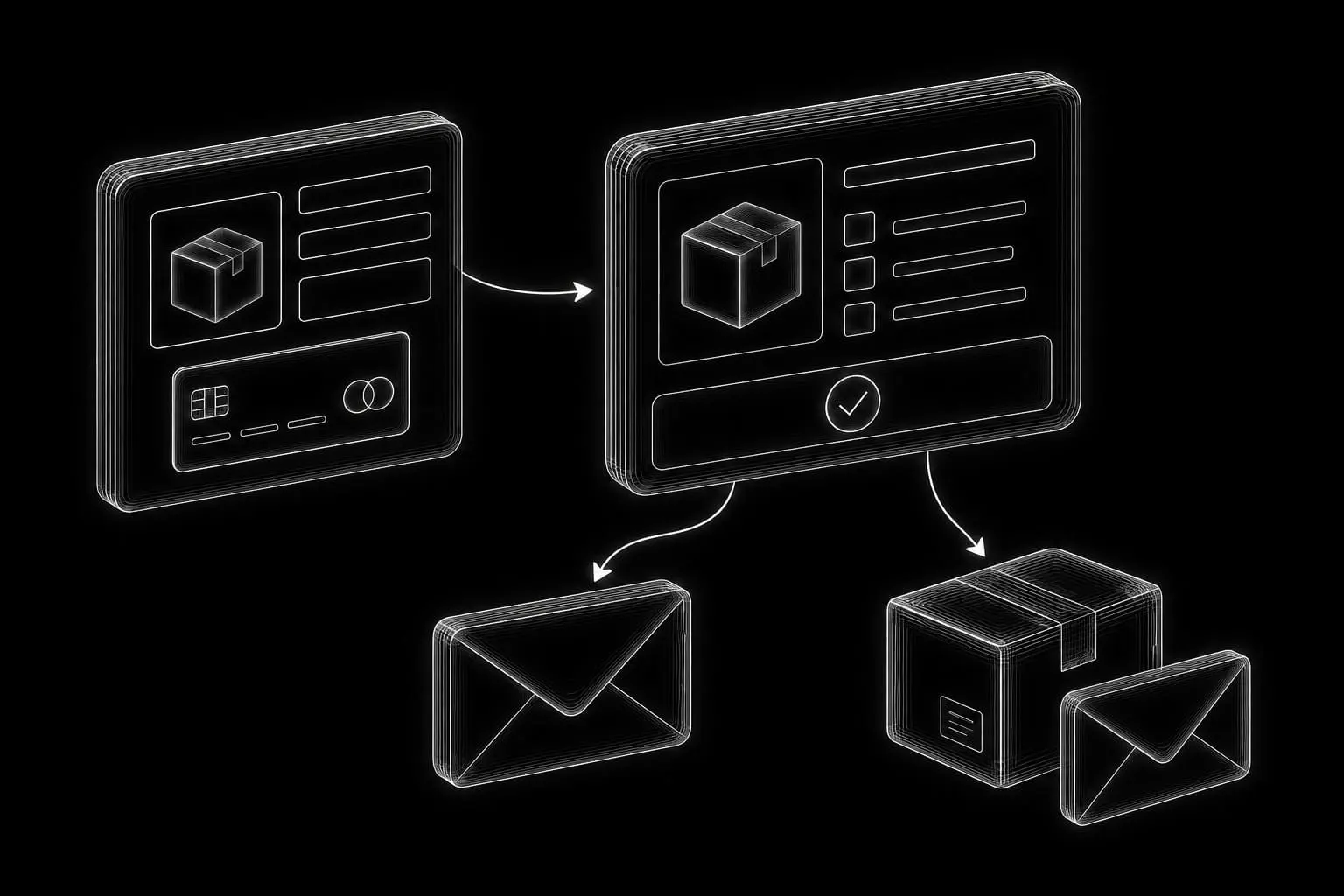
Order emails need end-to-end testing. Confirm the customer message and the merchant notification, including the address used for replies. Receiving payment without alerting the person responsible for fulfillment is an operational failure even if the checkout page reports success.
Identify who reviews incoming orders and what they need to begin fulfillment. Test that the notification and order record provide the relevant items, selected options, delivery details, and payment status without requiring the operator to reconstruct the purchase from separate messages.
Keep personalized shopping state out of shared page caches
Apply exclusions across the complete caching stack
A store has public content and customer-specific interactions. Cart, checkout, and account pages should not be served from a shared page cache. Review session cookies and any additional personalized responses introduced by extensions. WooCommerce documents these exclusions as part of cache configuration. WooCommerce caching guidance
Apply the review across the actual stack: caching plugins, Nginx or another server cache, and any CDN layer. An exclusion in one layer does not automatically configure the others.
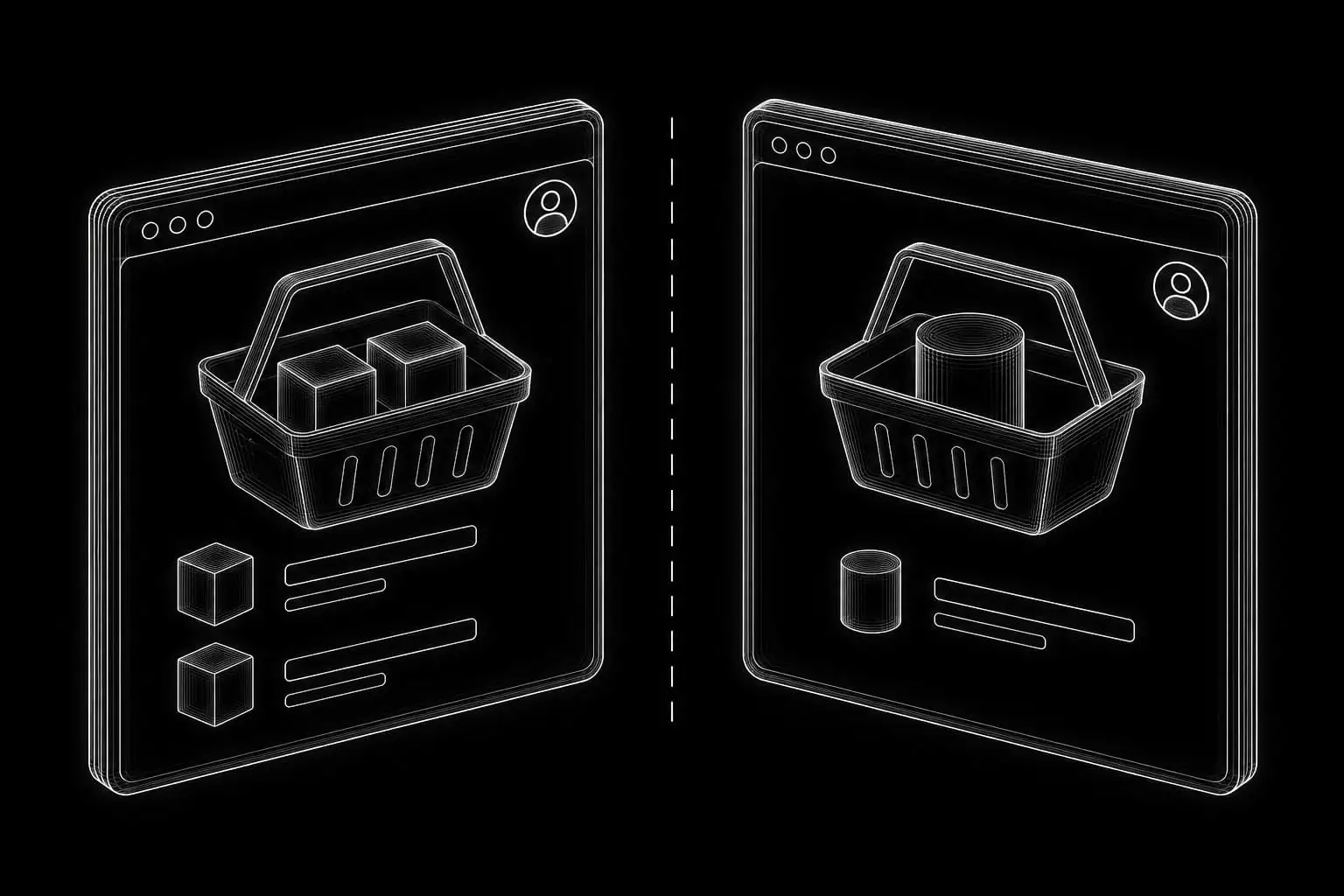
Verify that each shopper sees their own session
Test with separate browser sessions. Confirm that the cart belongs to the current shopper, a change is reflected correctly, and account information never appears for another visitor. Assess performance after preserving correct behavior, not by applying blanket caching to the entire store.
Use different cart contents in the two sessions so a mix-up is easy to recognize. Repeat the relevant checks after changing cache rules or adding an extension that introduces personalized content.
Test complete orders, including failure paths
Use the payment provider’s supported testing process first. Any live transaction used for verification should be planned with the owner, including its handling and any associated charges. Do not declare success from the front-end confirmation alone: inspect the order record and payment status.
Cover successful purchases and expected exceptions
| Scenario | What to verify |
|---|---|
| Successful purchase | Correct items and totals, expected payment result, order status, stock behavior, and both emails |
| Declined or interrupted payment | Clear feedback, no misleading paid status, and a sensible route to retry |
| Changed quantity or variation | Correct item, availability, totals, and shipping recalculation |
| Unsupported delivery address | A clear explanation instead of an impossible delivery promise |
| Out-of-stock selection | The configured purchase behavior matches the business’s policy |
| Refund where supported and in scope | Agreement between the store record and provider, with expected customer communication |
Record results and resolve launch blockers
Add tests for the particular extensions and order types used by the store. Record the date, environment, result, and unresolved issue. The wider launch checklist covers the domain, content, analytics, and owner access around this store-specific review.
Assign each unresolved issue to a responsible person and distinguish problems that prevent reliable purchasing from improvements that can wait. After a correction, repeat the affected journey through the order record and notifications rather than checking only the screen where the problem appeared.


