WordPress & YOOtheme Pro
 WooCommerce Development
 Website Planning
 Website Ownership & Access
 Website Support & Growth
 Website Launch Checklist
WordPress and YOOtheme Pro: Build a Website You Can Keep Expanding
A content-rich website needs a practical way to publish and maintain information. If every new page requires copying an old layout, correcting leftover text, and manually reconnecting related material, growth becomes slow and errors become harder to find.
WordPress and YOOtheme Pro can support a more organized approach. Store the information where it belongs, use shared templates where the structure repeats, and keep enough editorial freedom for pages that need a different explanation.
This guide explains how to make those decisions as part of a new website project. It focuses on a maintainable content system, rather than an inventory of visual effects.
Understand the three layers
Separate the information from its presentation
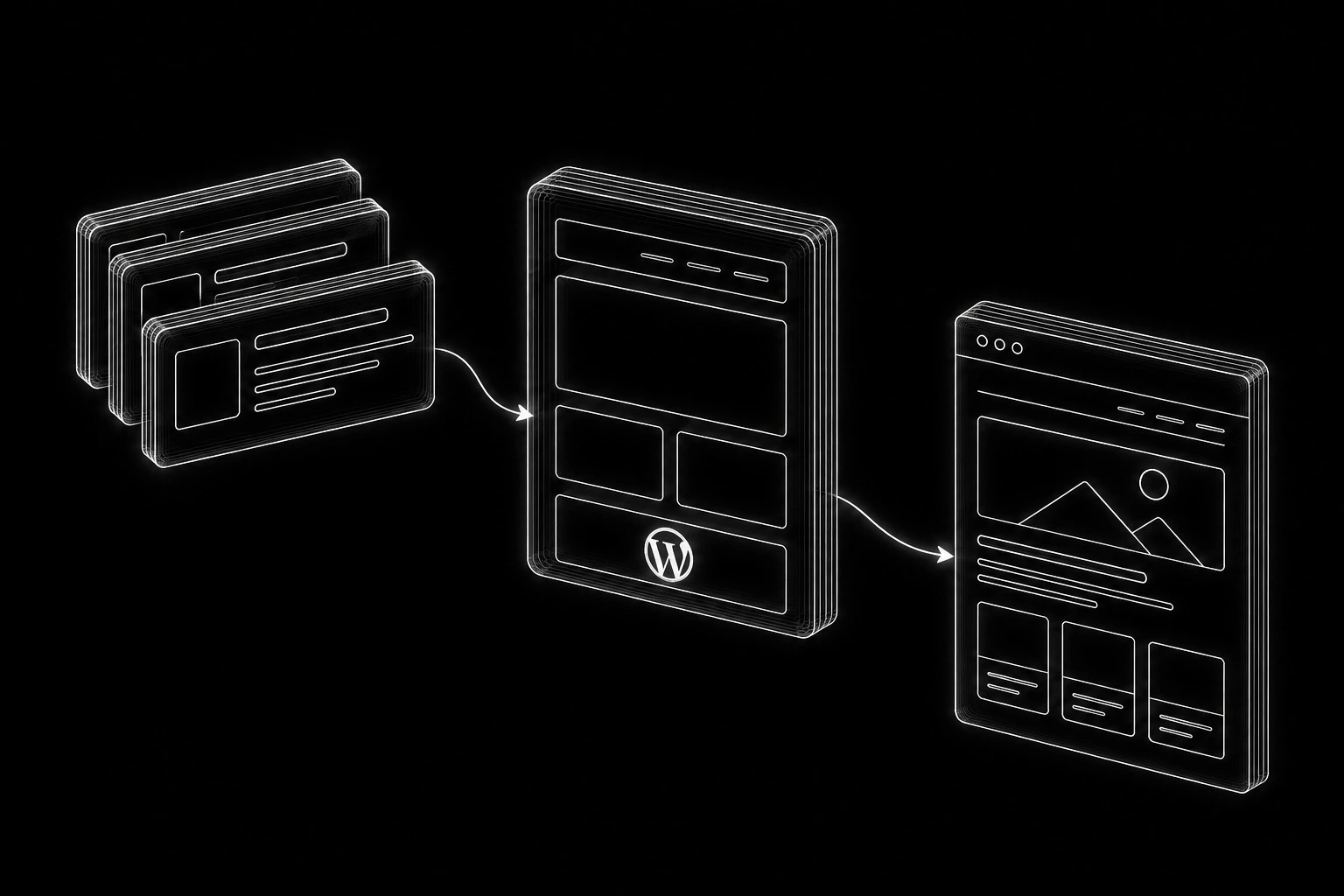
Think of the website in three connected layers:
Content → Template → Published page
The content holds the information: a title, description, article body, image, or defined field. The template determines how that information is presented. The published page combines the two for the visitor.
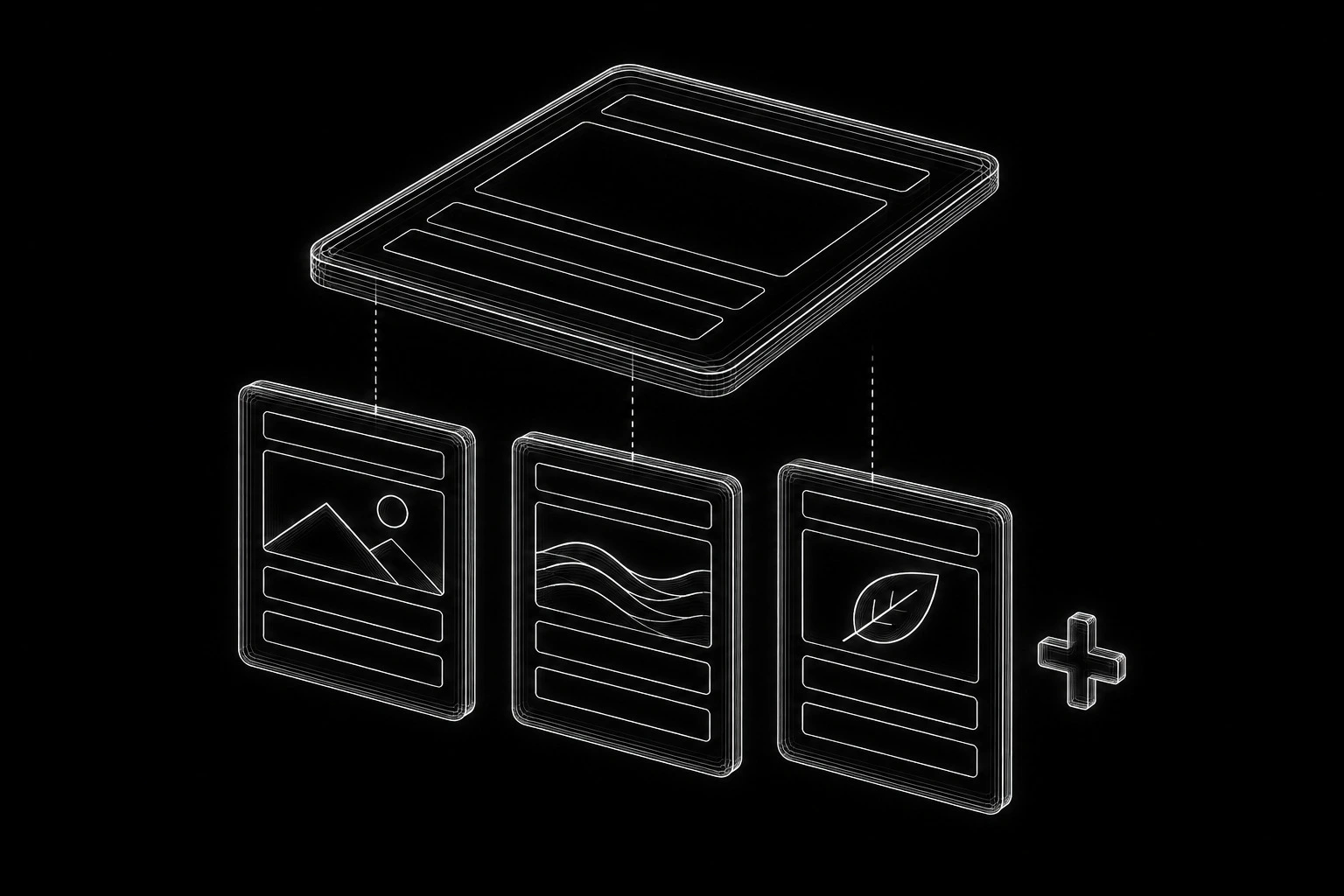
Choose where shared templates are useful
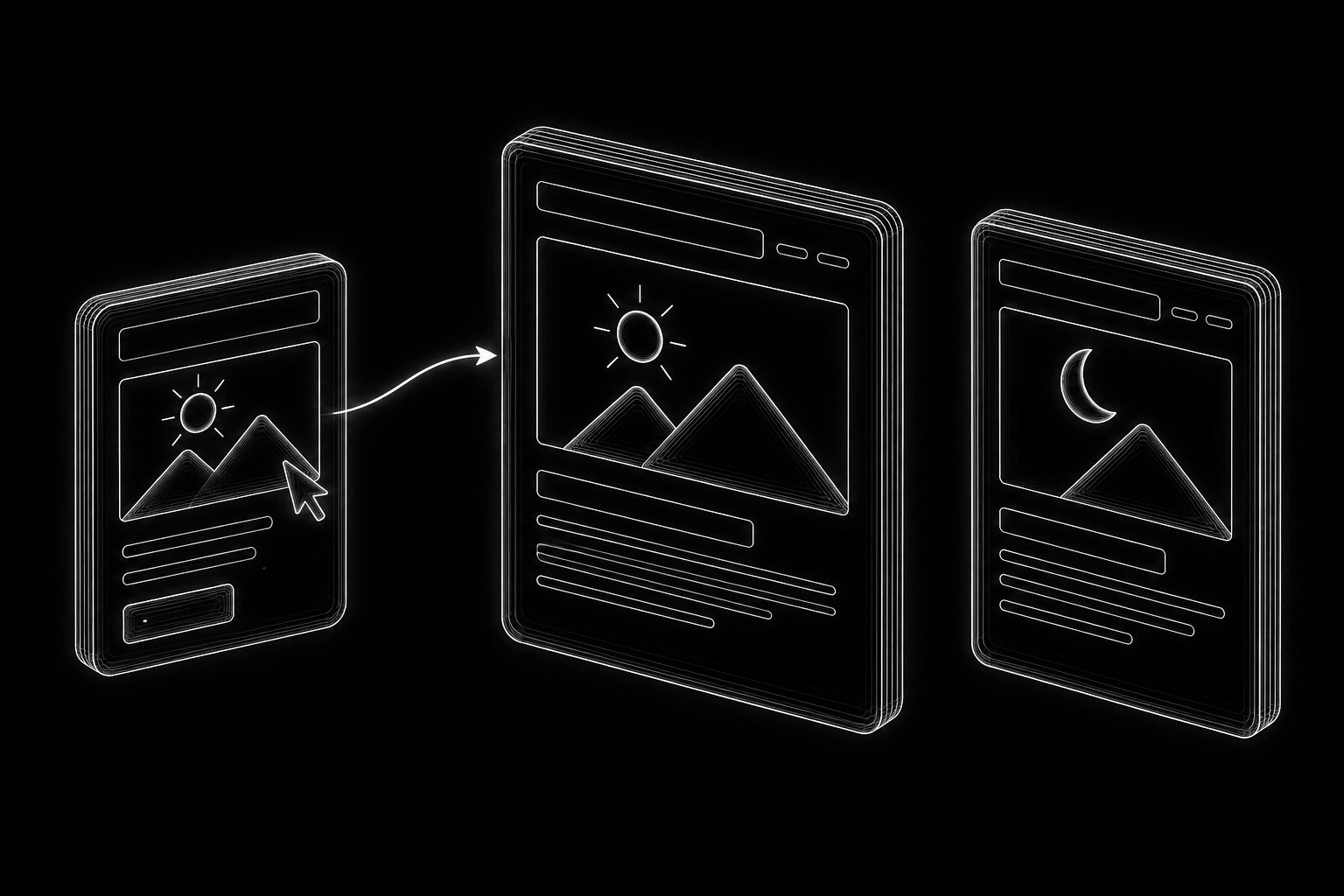
For some pages, an individual layout is the most straightforward solution. For a collection of related entries, a shared template can reduce repeated work. Changing that template affects the entries assigned to it, while their individual information remains distinct.
YOOtheme Pro supports dynamic content and site-wide templates for WordPress views. The available sources and fields depend on the content and supported integrations present in the installation. Dynamic content, template documentation
The important decision is which information should be shared and which should remain specific to a page. A universal template that ignores differences between subjects can be just as limiting as manually rebuilding every page.
Translate the page plan into a content model
Start with the approved website structure. Group pages by the information they contain and the way editors will manage them. Do not assume that every navigation section needs a custom post type.
Match each content need to a suitable structure
| Content need | A practical starting point | What to avoid |
|---|---|---|
| A standalone guide with its own argument | A page or post with an appropriate editorial layout | Breaking normal prose into dozens of unnecessary fields |
| A recurring collection with consistent information | A dedicated content type where it makes management clearer | Creating a custom type for a handful of unrelated pages |
| Repeated factual values used in several places | Defined fields, mapped into the relevant layouts | Re-entering the same value in multiple visual elements |
| A meaningful grouping of entries | A taxonomy or an explicit relationship | Tags that create empty or redundant public archives |
| Global navigation or contact details | Centrally managed components or settings | Manually changing the same details across many pages |
| Products, variations, and orders | WooCommerce’s appropriate product and order structures | Replacing store records with decorative page-builder cards |
Make the editing rules clear
Choose the simplest model that supports the site’s real needs. Additional structure is useful when it improves consistency, querying, or editing. It is unnecessary when it only increases the number of screens the owner must understand.
Write down the name, purpose, and expected content of each field. Mark optional fields clearly. An editor should not have to guess whether a short description belongs in an excerpt, a custom field, or the main body.
Build one representative template before scaling
Test the template with difficult content
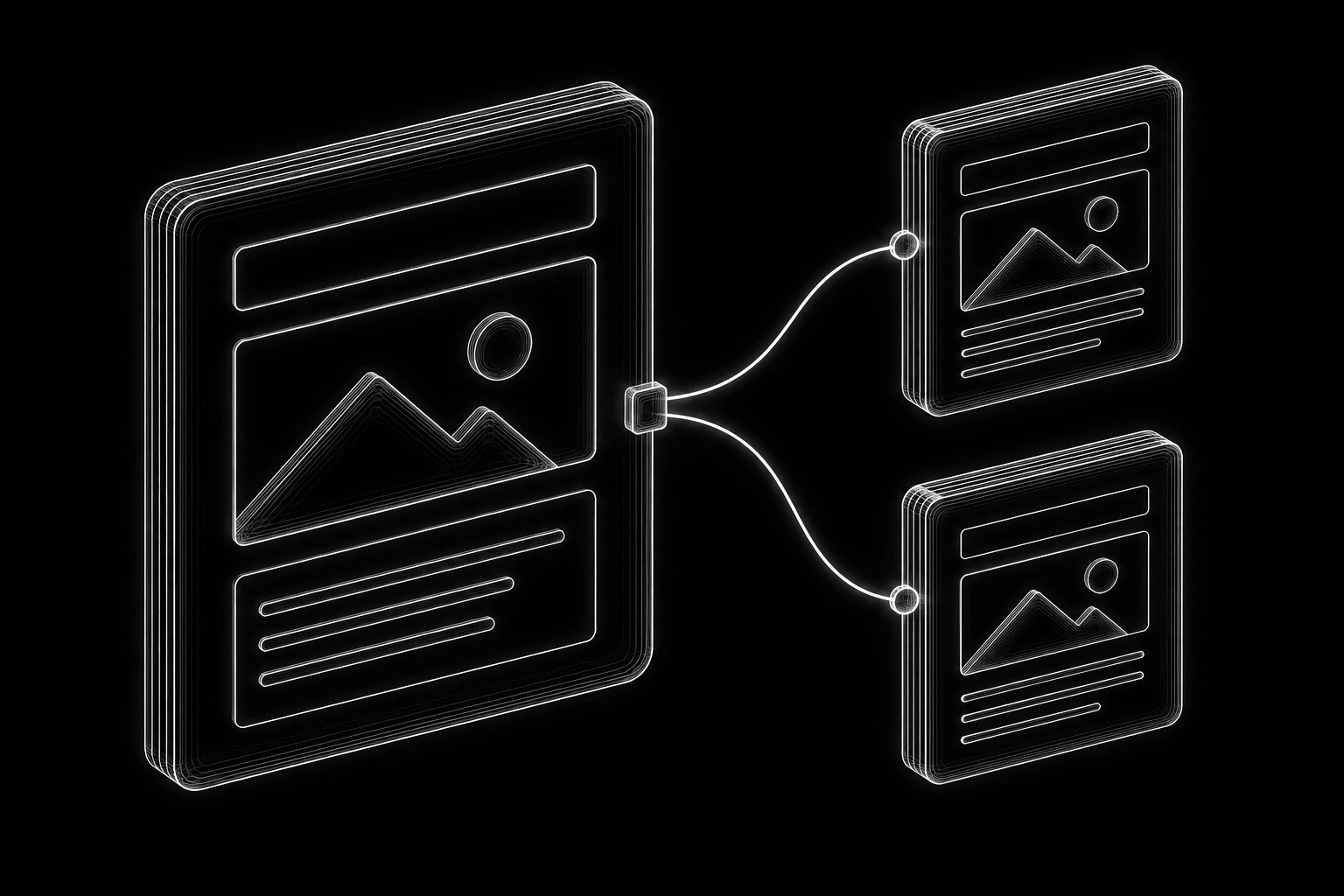
Choose a representative page with enough complexity to test the intended system. Build its content and layout before creating the rest of the collection.
Map the correct source to each dynamic element, then verify the result on more than one entry. Check the template assignment rules as carefully as the visual design. A template can look correct while being applied to the wrong archive or single-page view.
Introduce difficult content deliberately: a long title, a short description, several related entries, no optional image, and an unusually detailed explanation. These conditions reveal assumptions hidden by polished demonstration content.
When the representative template works, apply it to the relevant collection. Review exceptions before creating overrides. Too many one-off exceptions may indicate that the collection contains different types of information that should be modeled differently.
Connect the content record to the page layout
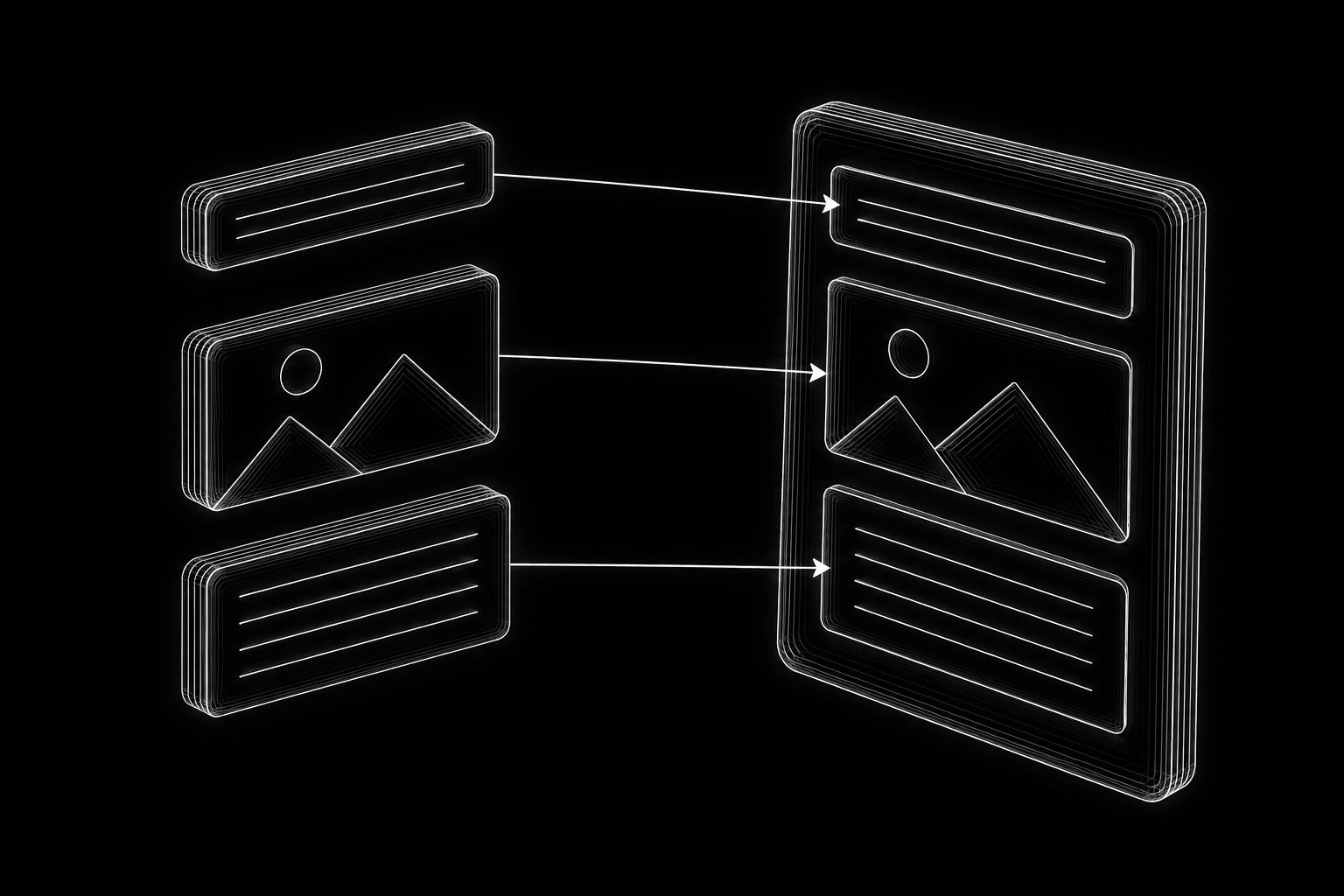
First create the content record in WordPress, including the title, editorial body, featured image where needed, and any defined fields. Use real representative content so the layout is responding to the information it will actually carry.
In YOOtheme’s template workflow, choose the relevant single or archive view and establish its assignment. Connect each layout element to the intended content source: the entry title to the heading, the appropriate image to the image element, and the substantive body to its content area. Check the published result to make sure that the body is not being output twice by overlapping elements.
Verify archives and a second entry
For an archive, define which entries belong in the collection, how they are ordered, and how visitors reach additional entries. A card should use the entry’s actual destination, not a manually copied URL left over from the first item. Decide whether its description is an excerpt or another field, then use that choice consistently.
Create a second entry with different values and inspect both pages. If they still show the same title, image, or destination, a static value or incorrect source may remain in the layout. Finally, change one entry and verify that its content changes without altering its neighbor. This tests the content-template separation directly.
Make consistency serve the explanation
Keep visual rules consistent and page structures flexible
A consistent style gives readers familiar headings, links, spacing, and actions. It does not require every article to open with the same three benefits, contain the same table, and end with the same questions.
Keep the site-wide visual rules consistent while allowing the editorial structure to follow the subject. A launch checklist should be easy to work through. An ownership guide needs a clear account inventory. A planning guide needs decisions and relationships. Their layouts can reflect those differences.
Review the design with real content on different screens
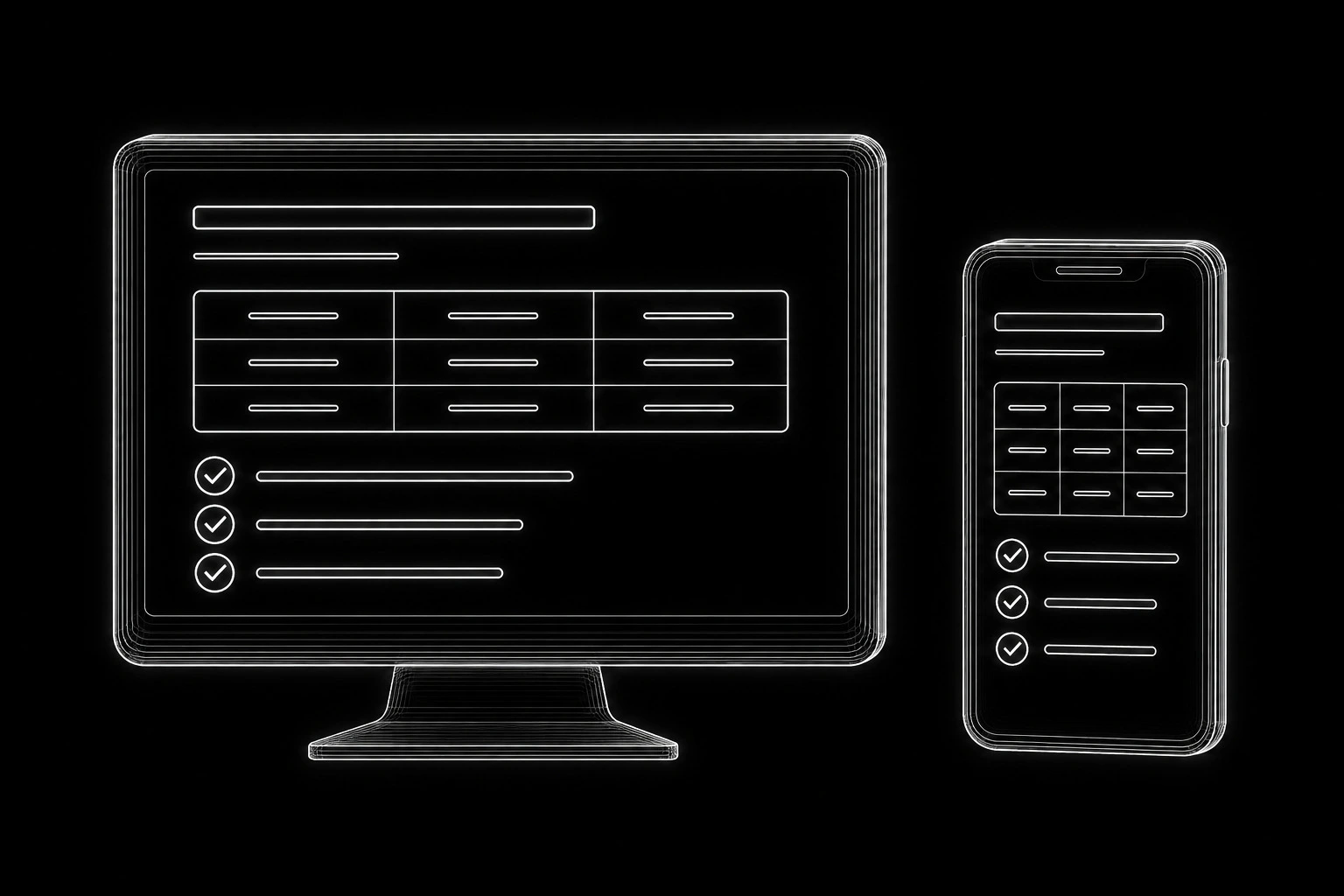
Use references to establish a visual direction, then test that direction with the actual content. Typography, line length, contrast, and whitespace affect readability throughout a long page. Check whether the design still works when headings wrap and comparison tables are viewed on a phone.
YOOtheme Pro is the implementation environment I primarily use for these decisions. I develop a clear visual style within its capabilities as the site takes shape; I do not present this as a separate custom design service.
Treat navigation and related content as editorial decisions
The content system should help people discover relevant material without turning every page into an indiscriminate list of links.
Give navigation and contextual links different jobs
Use the main navigation for the site’s important destinations. Use contextual links to answer the next question raised by the text. Use related-content components where the relationship can be explained, such as a detailed guide connected to its parent topic.
A menu helps someone choose a broad destination. A link inside an explanation should take them to the specific detail they need at that point. Keep both understandable without requiring the reader to know how the content is organized in WordPress.
Review automated recommendations and public archives
Automated related content needs review. A shared tag does not always mean the next article will help the reader. If a relationship is important to the buying or learning journey, explicit selection may be better than an automatic list based only on publication date.
Review archive pages as destinations in their own right. If an archive is public, it should have a useful purpose and an intelligible selection of entries. Do not create a network of thin archives simply because the CMS makes them available.
Preserve clear search signals in the rendered page
Inspect the published HTML and assign SEO responsibilities
Review the page a visitor and crawler can actually access. Check the title, main heading, descriptive links, images, and the presence of the substantive text. Styling a line to look like a heading is not the same as giving it the appropriate HTML structure.
Manage SEO responsibilities deliberately. Know which component controls metadata, canonicals, redirects, XML sitemaps, and structured data. Overlapping plugins can make it unclear which setting is producing the live result.
Check shared templates before changes spread
A reusable template deserves special attention because an error can spread across an entire collection. Check at least one page from each template family and any known exceptions before launch or a significant template change.
These checks support good implementation; they do not make the choice of builder a ranking guarantee. More detailed diagnosis belongs in Technical SEO.
Budget performance before adding complexity
Review media, scripts, and representative pages
Look at what the page needs to do before adding a plugin, external script, video background, or interactive element. Each dependency adds work for the browser, the server, or the people maintaining the site.
Use images sized for their actual presentation. Review font choices and third-party scripts. Test representative long pages and collection views, not just the homepage. A quick homepage can conceal an expensive archive query or an overloaded product template.
Coordinate caching with content updates and sessions
Document the purpose of each caching layer. A page cache, object cache, and CDN do different jobs. When a content update is not visible, you should know which layer to inspect and purge. More caching layers do not automatically produce a better result.
If Cloudflare caching rules use cookies to decide which requests bypass cache, review those rules against the site’s real sessions and responses. Cloudflare documents the mechanism, but the correct conditions depend on the installation. Cloudflare cache-rule documentation
Keep the detailed server configuration and operational responsibilities connected to Website Infrastructure. For a store, also test the WooCommerce purchase journey, where personalized state needs particular care.
Test whether an owner can really use the system
Run the everyday editing tasks
Run these editing tasks on a staging copy or draft content before accepting the build:
- Create a new entry using the intended editing workflow. Confirm that no old content has been copied accidentally.
- Change a repeated field and check every place it is displayed. Identify any values that still require manual duplication.
- Leave an optional field empty. Confirm that the visitor does not see a blank heading, broken image, or misleading label.
- Change the shared template. Confirm that the intended pages change and unrelated pages do not.
- Add related content. Verify that links lead to useful published destinations.
- Preview on mobile and use a keyboard to reach the page’s controls. Confirm that the layout remains understandable.
Document the editing route and administrative access
A handover should explain the normal editing route and which actions affect the whole website. Give everyday editors appropriate access without requiring server credentials for content work. Keep the owner’s administrative control separately documented in the ownership inventory.
Include where to edit content, where shared templates are managed, and which changes should be tested before publication. The owner should be able to distinguish a routine content update from a change that affects an entire collection.
Frequently asked questions
Does YOOtheme Pro replace WordPress?
No. WordPress remains the content-management platform. YOOtheme Pro provides the builder and presentation tools used in this implementation. Keeping that distinction clear helps decide where content should be stored and which layer needs to change.
Will every page look the same if we use templates?
Only if the implementation forces that result. Shared templates are appropriate for recurring structures, while different page purposes can have different layouts. Consistency should reduce unnecessary editing, not flatten every explanation into the same format.
Do I need custom fields for all my content?
No. Use them when the information is structured, repeated, or needs to be reused in a controlled way. Long explanations usually still need an editorial body. Over-structuring prose can make writing and revision unnecessarily awkward.
Can a store and a large content section share this setup?
Yes. WooCommerce manages the store while WordPress holds the supporting content. YOOtheme has WooCommerce template and content integrations. Plan the relationships and test compatibility with the actual extensions selected for the store. YOOtheme WooCommerce documentation
Can I change the page builder later?
It is possible, but rebuilding layouts and checking integrations can require substantial work. Keeping content organized separately from presentation can help, but it does not make migration automatic. Document builder-specific dependencies rather than promising that any replacement will be effortless.
Is a YOOtheme website automatically fast?
Performance depends on the complete implementation: content, media, scripts, queries, extensions, hosting, and caching. Assess representative pages and real interactions. The builder name alone is not a performance test.
Who keeps the software and licenses current?
Assign that responsibility explicitly. The account inventory should identify the license holder, renewal arrangement, and person responsible for updates. If management ends, the owner needs a clear route to continue maintenance and obtain any required vendor access.
Build this system for your website
I use WordPress and YOOtheme Pro to implement new websites with substantial, organized content. The structure, content, presentation, and operating setup are developed together so the site can be handed over and expanded.