

 WordPress & YOOtheme Pro
 WooCommerce Development
 Website Planning
 Website Ownership & Access
 Website Support & Growth
 Website Launch Checklist





A useful business website connects what you can deliver with what a prospective customer needs to understand before choosing you. It explains the offer, answers the difficult questions, provides a clear next step, and gives you room to develop the subject over time.
That connection needs to be planned before pages are designed. Otherwise, you can finish a website and still discover that important services are missing, the content does not help people decide, or inquiries never reach the right inbox.
This guide explains how to build a new WordPress website as a complete working system: structure, content, presentation, hosting, inquiries, measurement, and ownership. You can use it to plan your own project, assess a proposal, or work with me on the implementation.
Start with the business you can actually serve
Write down what customers can buy from you today, who those customers are, and the conditions under which you can help them. Include exclusions. A service with a defined scope is easier to explain than a promise to handle every problem in an industry.
For each offer, identify the decisions a buyer must make: whether the service fits their situation, what information they need to provide, what affects the price, what the work involves, and what happens afterward. These questions establish the subject boundaries of the website.
A broad industry topic does not automatically belong in your content plan. Ask whether someone reading that material has a meaningful route to an offer you can fulfill. A supporting article can be educational and still have a clear relationship to the business.
Check your starting point: could another person read your offer description and explain who it is for, what it includes, and when it is unsuitable? If not, clarify the offer before multiplying pages.
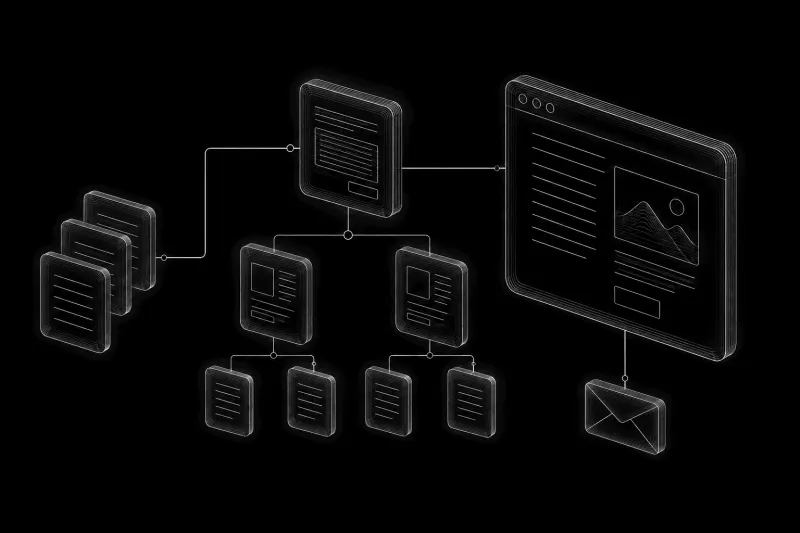
Turn buyer needs into a structure
Give each page a clear purpose
The structure should assign a clear job to each page. A main topic page explains the whole subject within your business scope. Supporting pages explore decisions that require more detail. Both should be useful when someone arrives directly from search.
Before adding a page, state what the reader should understand or be able to do after reading it. That outcome gives you a practical boundary for the content and a way to check whether the page is complete.
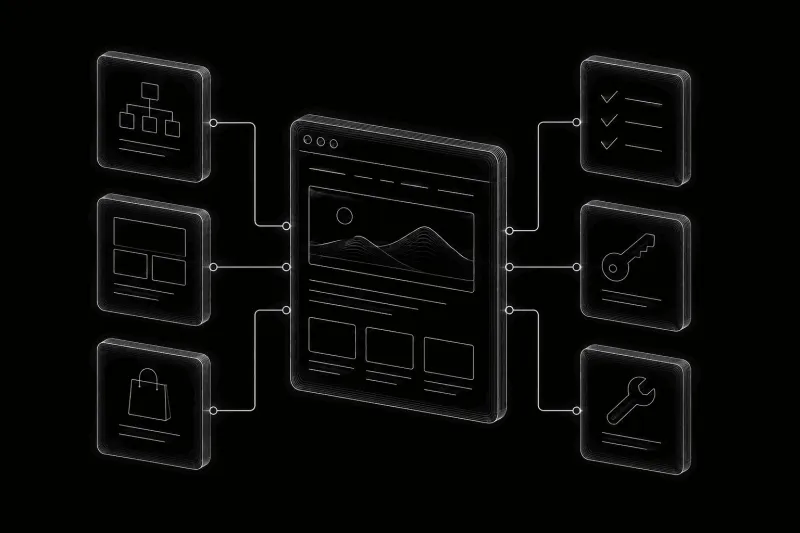

Decide what belongs in pages, fields, and templates
Before styling every page, decide what needs to be managed consistently. Some information belongs in free-form page content. Other information repeats across many entries and benefits from defined fields, relationships, or shared templates.
Keep explanations flexible when their structure varies by subject. Use defined fields for information that needs consistent storage and display, such as a service area or product attribute. A shared template controls the presentation of related entries; it should not force every article to make the same argument in the same order.
WordPress and YOOtheme Pro are my primary tools for this work. YOOtheme can use WordPress content dynamically inside layouts and apply templates across related pages. That makes it possible to maintain the presentation centrally while individual entries hold their own information. YOOtheme dynamic content documentation
Make the presentation support the content

Establish a readable visual style through typography, spacing, color, imagery, and consistent controls. Design decisions should make the site’s information easier to understand and its next steps easier to find.
A reference site can help describe a visual direction, but your content still determines the layout. A detailed comparison needs different treatment from a contact form or a product category. On a phone, the most important explanation and action must remain usable without relying on desktop effects.
My implementation uses YOOtheme Pro’s capabilities to create a clear, coherent presentation. Visual decisions can develop alongside the content and build. A separate bespoke design engagement is not part of the offer described here.
Review pages for comprehension: can a visitor recognize the subject, scan the sections, read comfortably, follow links, and complete the main action? These are more useful questions than whether every section has an animation.
Connect the infrastructure and the inquiry path
Connect the domain, hosting, and HTTPS
A website project includes more than its WordPress installation. Someone must connect the domain, DNS, hosting, HTTPS, mail, and forms, then verify that they work together.
The server should fit the site’s workload and maintenance arrangements. Cloudflare can participate in DNS, delivery, and protection, depending on the chosen setup. Its configuration should be reviewed alongside the origin server, rather than treated as an independent speed switch.
Check that the intended domain opens the correct website over HTTPS and that domain changes preserve the records needed for business email. A working homepage alone does not confirm that all of these connections are correct.
Give each caching layer a clear role
Caching needs a defined purpose: page caching can reduce repeated page generation, while an object cache such as Redis serves a different role. Adding more layers without understanding them can make updates harder to diagnose. Customer-specific and administrative responses need appropriate exclusions from shared caching.
Verify both delivery and updates. Check that eligible public pages benefit from caching, that an edited page can display its new content, and that forms and customer sessions continue to behave correctly. Document which layer needs clearing when content changes.
Test inquiries from submission to reply
For inquiries, trace the full path: the visitor submits the form, receives a clear result, the intended recipient receives the message, and a reply can reach the visitor. A success message on the screen does not prove delivery. Test with a real submission and check the destination mailbox.
Also check an incomplete or invalid submission. The form should explain what needs correcting without unnecessarily erasing the visitor’s work. Confirm who receives inquiries and who is responsible for responding once the site is live.
These connections are part of the complete new-site work I handle. Detailed infrastructure practices belong in Website Infrastructure, where they can be explored without turning this guide into a server configuration manual.

Measure actions and verify readiness
Measure meaningful business actions
Choose the actions that matter to the business before setting up measurement. A submitted inquiry, a click on an email address, and a completed purchase are different events. A form submission also does not establish that the lead was suitable or became a customer.
Connect Google Analytics and Search Console to accounts the owner controls. Verify the intended measurement behavior and ensure personal form contents are not sent as analytics parameters. Configure collection in line with the site’s applicable consent requirements.
For each important event, define what triggers it and test that action. A click on a submit button should not be treated as a successfully submitted inquiry if the form returns a validation error.
Check the planned pages before launch
Before launch, review the agreed page inventory, content, links, mobile behavior, forms, and technical search settings. Public pages intended for search should not remain behind staging restrictions. Pages that should stay private should remain protected.
Record the checks and any unresolved issues. Distinguish problems that prevent the site from serving customers from improvements that can be scheduled afterward. Assign responsibility for each outstanding item so it does not disappear at handover.
Separate launch readiness from indexing
Submitting a sitemap helps communicate URLs to Google, but does not guarantee indexing. A technically ready launch and confirmed visibility in search are separate milestones. Google’s sitemap guidance
Search visibility needs observation after publication. Agree who will review Search Console, investigate unexpected exclusions, and decide whether technical or content changes are needed. That responsibility should be explicit rather than assumed to continue indefinitely after delivery.
Use the website launch checklist to document tests and distinguish release blockers from work that needs observation after launch.
Keep ownership clear from the beginning

Put accounts under the client’s control
Register the domain, infrastructure, and business accounts under the client’s control wherever possible. Give the implementer the access needed for the work without making their personal account the only route into the project.
I aim to set up accounts directly for the client. Where a handover is needed, the relevant access and project information are handed over. Confirm that the owner can sign in independently and use the account recovery methods before removing the previous developer’s access.
Document access, renewals, and licenses
Keep an inventory of accounts, responsibilities, renewals, licenses, and recovery methods. The owner should be able to authorize another developer, change passwords, and continue operating the website if the working relationship ends.
Third-party software and media remain subject to their own license terms; those dependencies should be documented clearly. Identify who holds each subscription, who pays for renewal, and what a replacement developer will need to maintain the site.
The website ownership guide provides a practical inventory and handover procedure.
Plan the next stage without making it compulsory
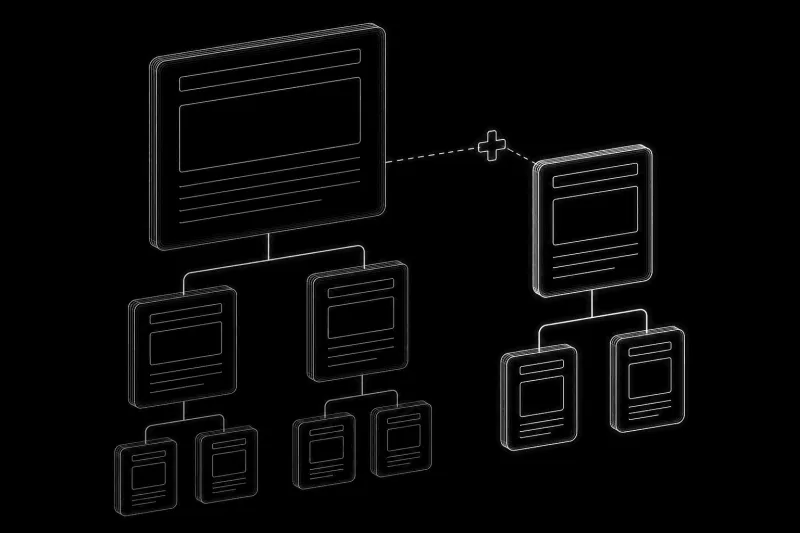
Choose improvements from actual needs
Once the initial website is complete, further work can respond to actual needs: new buyer questions, search performance, technical issues, additional functions, or broader promotion.
Choose the next task by identifying the problem it should solve. Repeated customer questions may justify deeper content; a failed inquiry path needs repair; a new service may require another section. Publishing more pages is useful when those pages have a clear purpose and the business can support what they offer.
Agree on responsibility after handover
Continued management is a separate arrangement. When I manage a site, it can be added to the monitoring and audit panel and reviewed as part of the agreed work. After an independent handover, I do not assume continuing access or silently monitor the site on the owner’s behalf.
Whether the owner maintains the site, continues working with me, or appoints another provider, responsibility for updates, backups, alerts, and renewals should be clear. Further development can then be planned around the business’s priorities.
The website support and growth guide explains how to choose priorities and connect technical care with content, SEO, links, and social activity.