

 WordPress & YOOtheme Pro
 WooCommerce Development
 Website Planning
 Website Ownership & Access
 Website Support & Growth
 Website Launch Checklist
WordPress Server Security: Protect the Accounts, the Application, and the Recovery Route
A WordPress installation depends on several security boundaries: the provider account, server administration, FASTPANEL, the application, and external services. Protecting only the WordPress login leaves the rest of that system unexplained.
The objective is to reduce unnecessary access, keep important components maintained, limit the consequences of a failure, and preserve a way to recover. This guide applies to the Linux and FASTPANEL arrangement described in the website infrastructure hub.
It describes practical controls and their checks. It does not promise that a website can never be compromised or that a plugin can certify the entire environment.
Begin with the assets and access paths
Inventory the assets and every route to them
List what needs protection: account control, website and customer data, mail credentials, private keys, backups, and the ability to operate the business. Then list who can reach those assets and how.
Include provider recovery access, SSH, the panel, WordPress administrators, database credentials, integration tokens, and temporary support users. A forgotten access path can matter more than a visible password-strength indicator.
Separate owner control from everyday permissions
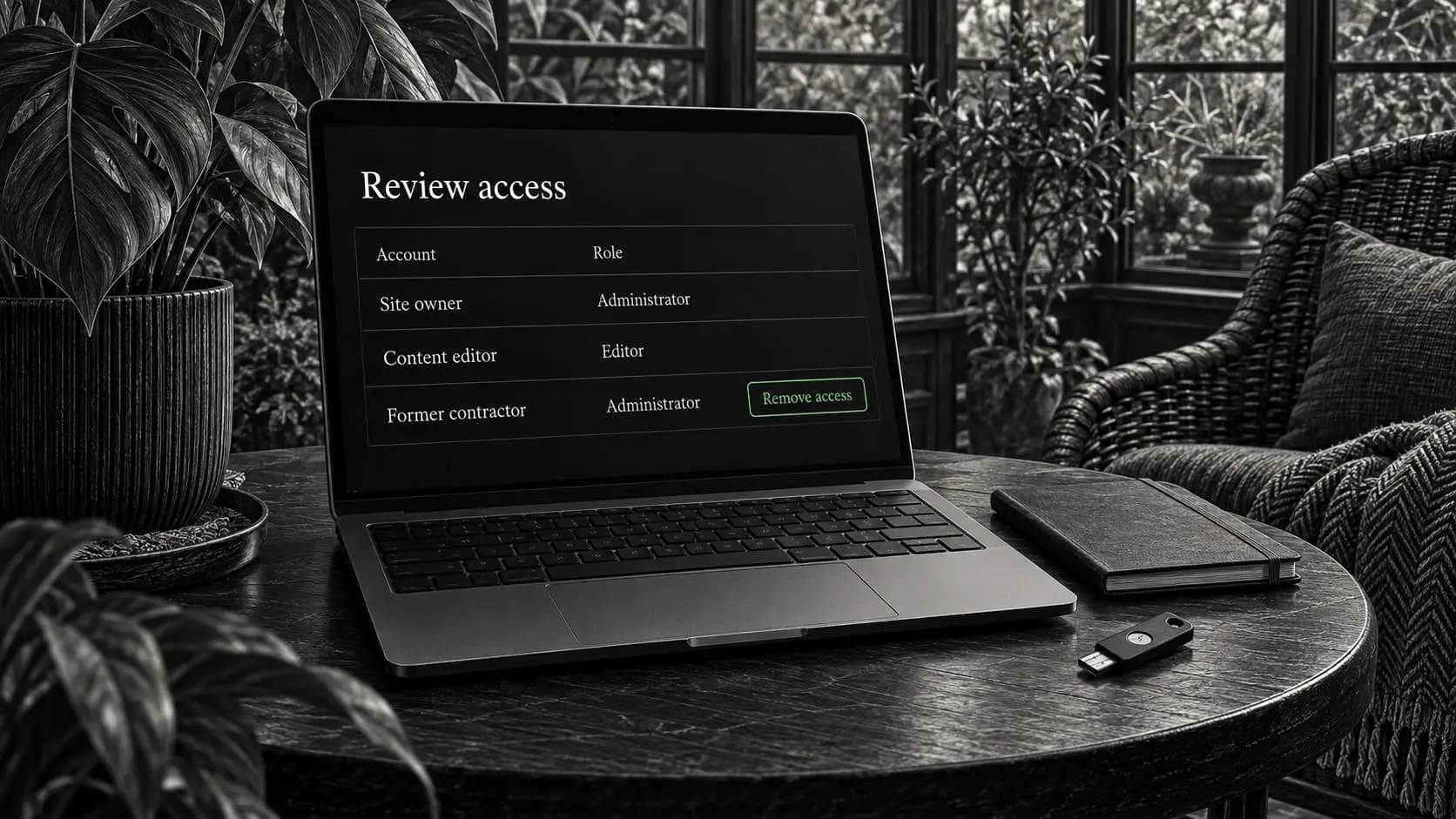
Separate the owner’s ultimate control from everyday permissions. The owner should retain recovery and the ability to appoint another maintainer. A content editor normally needs neither root access nor the authority to change DNS.
The ownership guide provides the account inventory. Use it as the starting point for deciding which identities should exist and which permissions each one needs.
Secure the accounts before changing server rules
Protect credentials, recovery, and delegated access
Use distinct credentials and multifactor authentication where the service supports it. Keep recovery codes in a secure owner-controlled location. Avoid making the departing developer’s phone the only recovery method for the business account.
Prefer individual identities and delegated access to shared logins where possible. Remove temporary access when its purpose ends, including support access and credentials created during troubleshooting.
Test a replacement access route before applying restrictions
Before restricting SSH or the panel, confirm a working replacement route and the provider’s recovery console. Test a new authenticated session while the existing session remains available. An untested access change can lock out the owner and interrupt maintenance.
FASTPANEL’s security guidance addresses account credentials and related operating practices. Apply it to the actual users and services in the installation. FASTPANEL security recommendations
Restrict services to the connections they need
Define the intended boundary for each resource
| Resource | Intended access boundary | Practical verification |
|---|---|---|
| Public website | Required HTTP/HTTPS path | Public visitors can use the site through the intended route |
| SSH and panel | Authorized administration | The maintainer can connect; unintended public access is restricted as designed |
| Database | Application and approved administration | It is not unnecessarily reachable from untrusted networks |
| Redis | Trusted application connections | Binding, permissions, and firewall settings match the intended local or private use |
| Backup storage | Backup process and authorized recovery | Copies are not downloadable through public website URLs |
| Monitoring interface | Maintainer or approved team | Metrics and operational controls are not exposed to anonymous visitors |
Verify listening services and both firewall layers
Inspect listening services as well as firewall settings. Provider firewalls and host firewalls are separate layers; understand both before changing either. Document required dependencies such as monitoring, certificate issuance, and outbound integration traffic.
Redis should normally sit within trusted access boundaries for this use. Its own security documentation cautions against direct exposure to untrusted internet clients. Redis security
Check isolation between sites and users
A client-specific VPS can limit cross-client dependencies, but sites hosted within the same account or user may still affect each other. Use appropriate site users and permissions rather than assuming that directory separation alone creates isolation.
Treat Cloudflare as one protective layer
Understand which traffic the proxy actually protects
Cloudflare can filter the traffic that passes through its proxy. It does not establish that every route to the origin has been closed, nor does it protect a stolen provider-account credential.
If the origin’s public web access is limited to Cloudflare, document and maintain that policy. Preserve the management and recovery paths the project requires. Verify certificate renewal and monitoring before assuming the restrictions are complete.
Test rules against legitimate business activity
Apply rules based on a known need. Check legitimate forms, login, uploads, store callbacks, and integrations after a change. Broad exceptions should not become a permanent response to one blocked request.
The Cloudflare guide covers plan boundaries, TLS, and rule testing. Server and application controls remain necessary even when edge protection is enabled.
Keep the application and its dependencies maintainable
Maintain the software inventory and prioritize updates
Know which WordPress plugins, themes, and custom components are installed and why. Remove unneeded components through a controlled process, and obtain maintained software from legitimate sources.
Review update notices against the affected component and exposure. Do not leave a known urgent issue waiting indefinitely for a routine calendar slot. Equally, do not make a major compatibility change on a live store without recovery preparation and an appropriate test.
Correct permissions and review persistent privileged access
Check file ownership and permissions. Avoid granting broad write access to solve a narrow upload or update error. Find the user and path involved, then correct the specific configuration.
Review administrator accounts, reset routes, and authentication-related integrations. An old privileged user or leaked API token may persist after the visible site password has changed. WordPress’s hardening guidance describes security as a combination of environment, access, and application practices. WordPress hardening
Keep secrets and administrative artifacts out of public delivery
Protect backup archives and temporary setup files
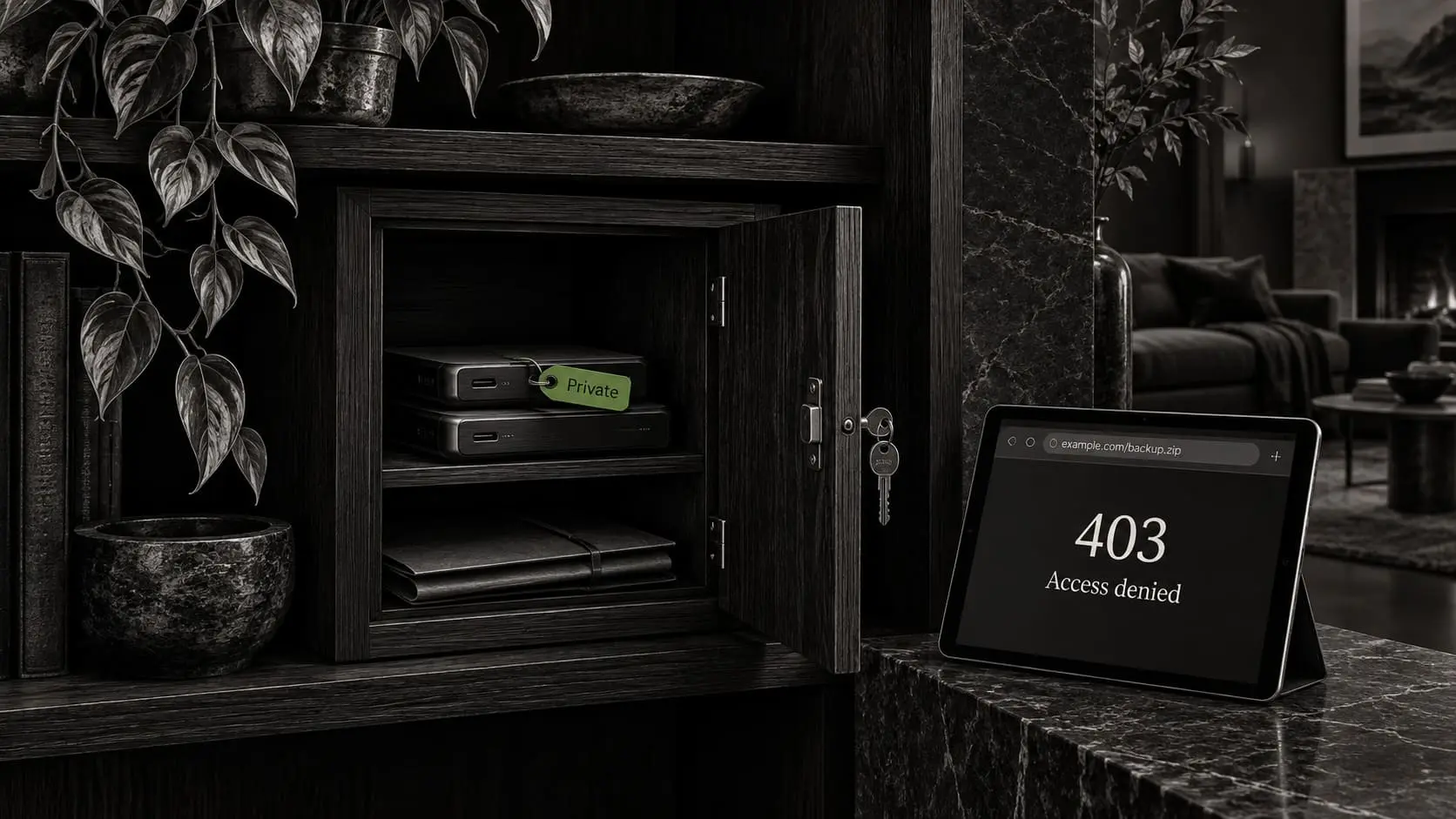
Database exports, Duplicator archives, installer files, debug logs, and environment configuration can contain private information. Store them through protected mechanisms and remove temporary deployment or restoration artifacts when they are no longer needed.
Do not rely on an obscure filename as the sole protection for a backup. Confirm the file cannot be retrieved anonymously from a web address. Check caches and deployment copies too when sensitive material has been exposed.
Check where credentials may have been copied
Keep secrets out of source repositories, public forms, analytics, and ordinary screenshots. A password field masked in a panel does not protect the same credential if it is also stored in an exported configuration shared elsewhere.
The backup guide explains storage and recovery controls. Protection of those copies belongs to the security plan because they often contain the same data as the live site.
Review forms, uploads, and integrations by their purpose
Limit collected information and define upload rules
An inquiry form should collect the information required for the business conversation. Avoid unnecessary sensitive data and unrestricted uploads. If files are accepted, define allowed types, sizes, storage, and who can retrieve them.
Validate submissions and limit integration permissions
Use maintained form and integration components, and test validation and error handling. API tokens should have the permissions required for the specific integration and a documented rotation route.
Do not send private form contents to analytics or include them in a public URL. Notifications should reach the intended recipient through the authenticated route described in the business email guide.
These are application decisions as well as server decisions. A firewall cannot determine whether an inquiry form is collecting more information than the business needs.
Preserve evidence and a response route
Keep a usable timeline and an assigned response route
Retain useful logs with controlled access and appropriate retention. Record significant configuration changes so a later incident can be compared with a known timeline. Keep alert destinations and response responsibility current.
Contain the incident while preserving evidence
If compromise is suspected, begin by identifying the affected systems and limiting the relevant exposure. Preserve useful logs and a protected copy for investigation before overwriting everything. Coordinate any interruption of live business functions with the owner.
Address the cause before returning to normal operation
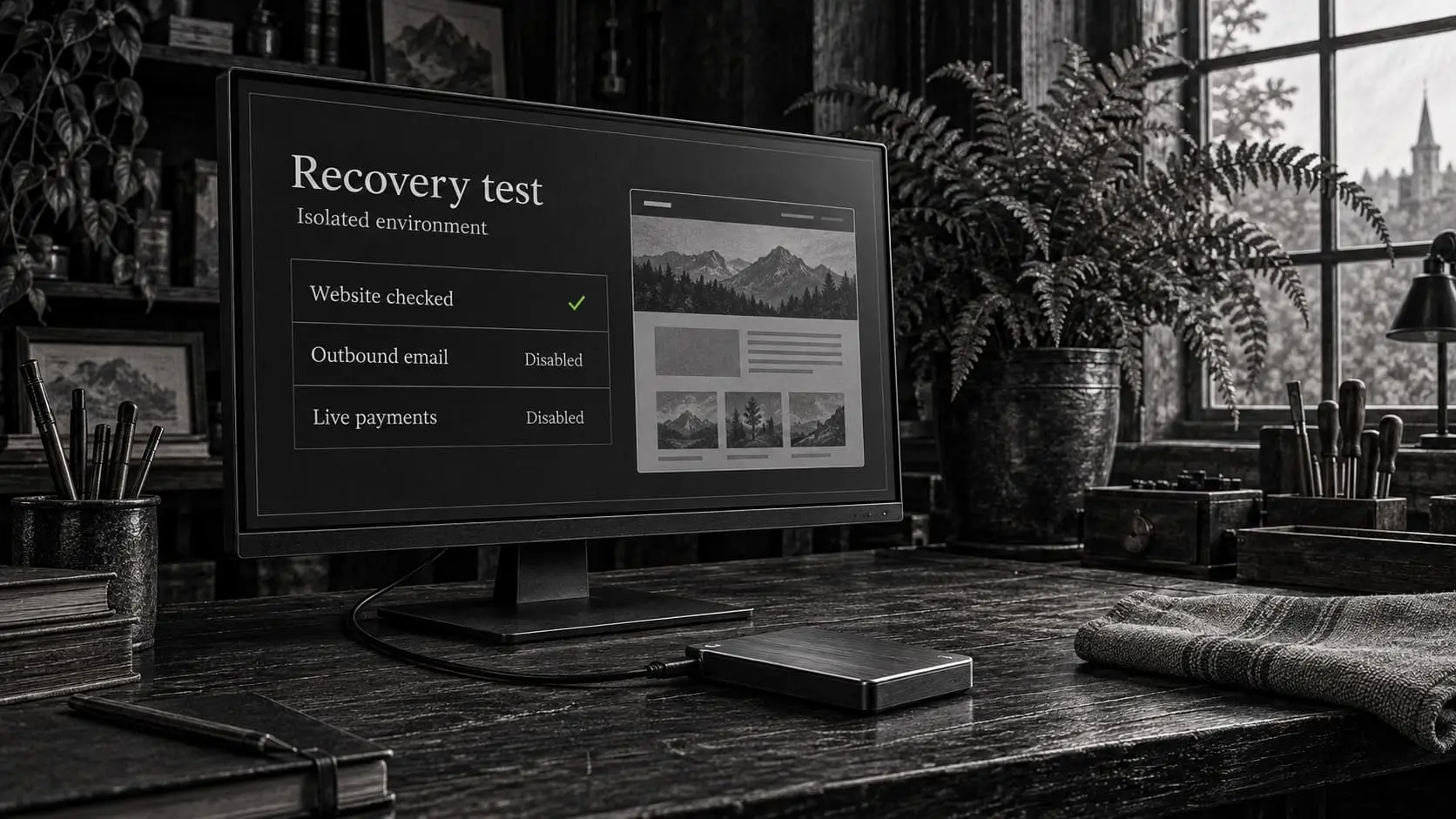
Review the likely entry point and affected credentials. Restoring an old backup without addressing a vulnerable component or stolen access can recreate the same problem. Confirm that the recovery point is suitable, repair the cause, rotate affected secrets, and test the necessary functions before returning to normal operation.
An incident involving customer data may create additional business obligations; the technical response should preserve the facts needed for that assessment rather than make unsupported compliance claims.
Check that the controls work together
The acceptance review should cover both restrictions and legitimate access:
Verify recovery access and exposure boundaries
- The owner can recover the provider, panel, and WordPress accounts.
- The authorized maintainer can perform required work through the intended route.
- Unnecessary services and administrative interfaces are not publicly exposed.
- Backups and setup artifacts cannot be retrieved anonymously.
Verify working functions and ongoing responsibility
- The application still supports forms, store actions, and scheduled work.
- Update and incident responsibilities are assigned.
- A recoverable copy exists and can be reached independently of the live site.
Repeat affected checks after a material change. Security is part of server maintenance, not a one-time collection of switches enabled on launch day.
Frequently asked questions
Is a WordPress security plugin enough?
No. It cannot replace provider-account protection, server access controls, correct file permissions, maintained dependencies, or protected recovery copies. Use an application tool for a defined role within the wider setup.
Should I close every port except the website ports?
Only after mapping administration and other required services. Preserve and test a controlled management and recovery route before enforcing restrictions. Copying a port list without considering the actual environment can lock you out.
Does changing the login URL secure the website?
It may change one visible entry point, but it does not address credentials, vulnerable software, server access, or exposed data. Treat it as a limited tactic rather than the foundation of the security plan.
Can Cloudflare protect a server that is accessible directly?
Its proxy controls apply to traffic passing through that path. Direct routes need their own protection and review. The origin-access design should be deliberate and compatible with legitimate operations.
Should I restore a backup immediately after suspicious activity?
First consider evidence, the affected systems, and whether the backup predates the issue. An uncontrolled restore can erase useful evidence and newer business data without removing the original cause. Use a defined response and recovery process.
Who handles security after handover?
The owner or the agreed maintainer. Continued involvement by me requires an explicit management arrangement. The handover should identify update, alert, and recovery responsibilities rather than leave them implicit.
Put the controls into your website setup
I can configure the relevant server and WordPress access boundaries as part of your infrastructure work and document what remains the owner’s or maintainer’s responsibility. Describe the environment and the work you need; do not submit credentials through the initial form.