

 WordPress & YOOtheme Pro
 WooCommerce Development
 Website Planning
 Website Ownership & Access
 Website Support & Growth
 Website Launch Checklist
WordPress Backups and Recovery: Prepare to Restore the Business, Not Just the Files
A backup is useful when it contains the right data, can be reached during a failure, and can restore a working system. An archive sitting beside the live website does not answer those questions on its own.
I use Duplicator for WordPress backups, with server-level backups available as another part of the setup. The edition, schedule, storage, and retention need to be chosen for the project. This guide explains how to make those choices and test the recovery route within your website infrastructure.
Make two business decisions first
Define acceptable data loss: recovery point objective
How much recent data could you lose? A content site whose material changes occasionally has different needs from a store receiving orders throughout the day. This acceptable loss window is often called the recovery point objective, or RPO.
Define acceptable downtime: recovery time objective
How long could the site remain unavailable? Recovery may require finding credentials, obtaining a replacement server, transferring a large archive, restoring data, and testing the result. The acceptable recovery time is often called the recovery time objective, or RTO.
These are planning targets, not guarantees created by naming them. Measure whether the chosen process can meet them. If the business cannot tolerate the time or data loss of a basic backup plan, the architecture or recovery investment must change.
Do not choose backup frequency from habit alone. A daily copy cannot promise preservation of orders received after that copy was made.
Define the complete recovery set
Identify the files, database, and external dependencies
| Layer | What to preserve | What a WordPress archive does not automatically establish |
|---|---|---|
| WordPress files | Themes, plugins, uploads, application configuration, and relevant custom files | Files excluded by the backup configuration may be absent |
| Database | Content, settings, users, and application records | The dump must be usable and consistent enough for recovery |
| Server setup | Important web/PHP settings, jobs, access design, and other configuration | An application archive is not a complete server image |
| Domain and DNS | Active zone and delegation information | Registrar or DNS-account access must remain available separately |
| Mail and CRM | Account control, connection details, and any separate data-recovery arrangements | Mailbox history and external CRM data are outside a normal WordPress archive |
| Store operations | Orders, stock, payment reconciliation, and external dependencies | Restoring older local data does not reverse or recreate external transactions automatically |
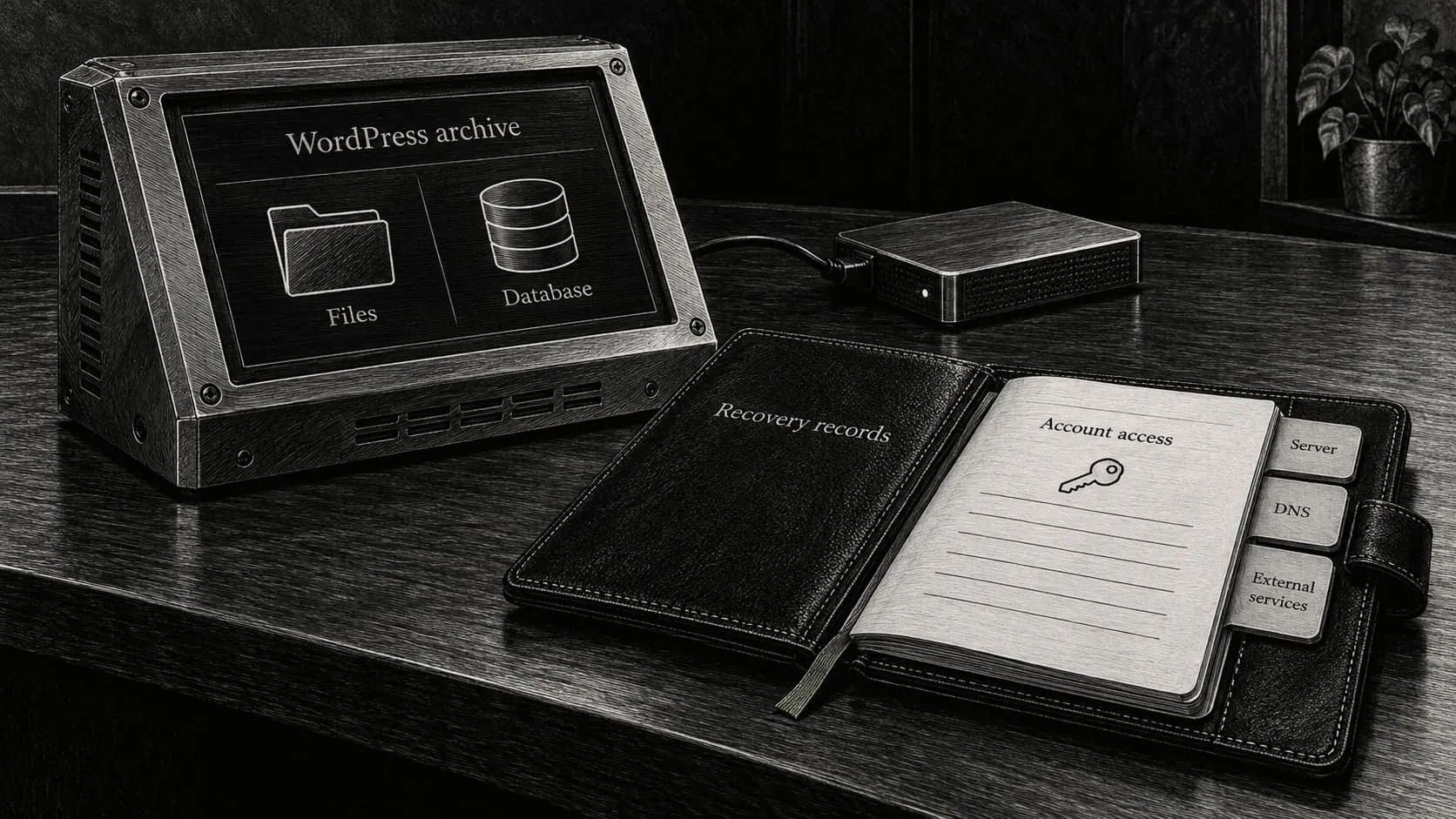
Keep recovery documentation and account access available
Include the documentation needed to rebuild the environment as well as its data. A technically sound archive can still be difficult to use if nobody knows the required PHP version, storage location, or database arrangement.
Keep the ownership inventory accessible independently of the web server. A failed server should not take the only copy of its recovery instructions with it.
Choose Duplicator features according to the actual edition
Review Duplicator archive contents and recovery methods
Duplicator creates a WordPress archive and provides an installation or recovery workflow. Review the selected files and database content before assuming that “full backup” matches the project’s requirements. Duplicator workflow
Confirm scheduling, storage, and license requirements
The vendor documents scheduled backups under Duplicator Pro. Do not describe automated scheduling or a particular remote-storage integration as included merely because Duplicator is installed. Confirm the edition, license, and configured features. Duplicator scheduling
If the chosen arrangement uses manual archives, assign who creates them and when. If regular automated backup is required, implement it through the appropriate supported plugin or server-level mechanism and verify it. A manual action that depends on someone remembering it should be described honestly as such.
I use Duplicator; the recommendations in this guide do not claim that every client already has the same Pro license, remote destination, or backup schedule.
Create and inspect a representative archive
Check disk space, exclusions, and archive contents
Before a first full run, review available disk space and the expected working space required to build the archive. Consider excluded cache directories, old backup archives, and unrelated files so backups do not repeatedly include themselves or unnecessary transient data.
Run the pre-build checks, resolve meaningful warnings, and complete the archive. Review the result and logs. Confirm that the expected database and important directories are included.
Verify archive transfer and record the recovery point
Transfer the recovery materials to the protected destination chosen for the project. Confirm that the transfer completed, the file size is plausible, and the archive can be retrieved. A transfer or checksum check can help establish file integrity, but only a restoration exercise demonstrates the application recovery route.
Record the source site, time, contents, tool version where useful, storage location, and result. These details matter when there are several similarly named archives during an incident.
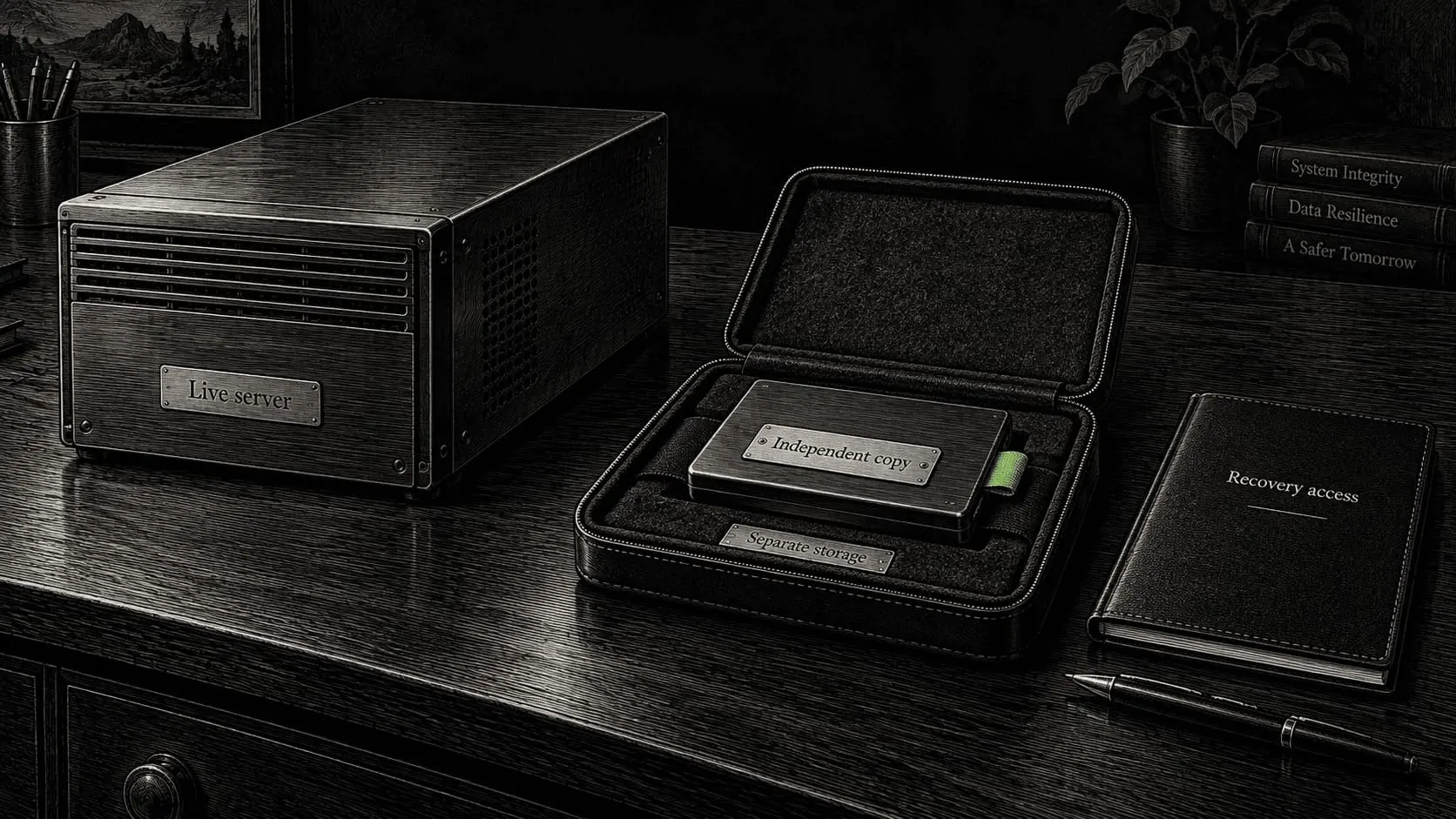
Keep a copy independent of the live server
Choose backup storage outside the live server
A local copy can be convenient for a quick rollback, but it shares many of the live server’s failure conditions. Disk failure, account compromise, accidental deletion, or loss of provider access can affect both.
Use an independent protected destination appropriate to the risk. Separate storage on the same provider may help with a server failure while still depending on the same account. A separate account or provider can address additional failure scenarios, at the cost of more configuration and management.
Protect backup permissions, credentials, and decryption keys
Limit the backup process’s permissions to what it needs. Where supported and justified, retention protections can reduce the risk that compromised source credentials delete every recovery point. Secure the transport and stored copies, and retain any required decryption keys through an independent recovery route.
Backups often contain customer data and credentials. They should not be published in the website’s downloadable files or shared casually in support messages. The security guide covers those access boundaries.
Add server-level protection without confusing its scope
Review FASTPANEL backup plans and restore options
FASTPANEL provides backup plans and storage options that can support a regular server-side arrangement. Review the chosen plan’s contents and restoration capabilities; do not assume every plan restores individual sites in the same way. FASTPANEL backup overview, backup plan types
Check snapshot coverage and database consistency
Provider snapshots can be useful for certain rollbacks, but their coverage and consistency need inspection. Hetzner states that its server backups and snapshots do not include attached Volumes, and recommends shutting down the server to ensure disk-data consistency when taking them. That makes application-aware recovery planning important for a live database. Hetzner backup and snapshot FAQ
A provider image and a Duplicator archive can serve complementary purposes. Document which failure each layer addresses and what would still need reconstruction. Neither makes DNS, Zoho, or other external accounts part of the restored server automatically.
Set retention to preserve useful recovery points
Retain older backups for problems discovered later
Keep enough history to cover problems discovered after they began. If every new copy replaces the previous one, a damaged site can quickly replace the only healthy recovery point.
Choose retention based on change frequency, detection time, storage, and the data involved. An example planning pattern is a set of recent frequent copies plus less frequent older checkpoints, but the actual counts should follow the project’s requirements.
Monitor successful backups, cleanup, and storage capacity
Verify that retention cleanup runs and does not remove the last known usable copy after a failed backup. Monitor both the age of the latest successful copy and the destination’s remaining capacity.
An enabled schedule is not evidence of recent success. Alerts should detect missed or failed completion, not merely record that a job started.
Perform an isolated restoration exercise
Isolate the restore environment from live business actions
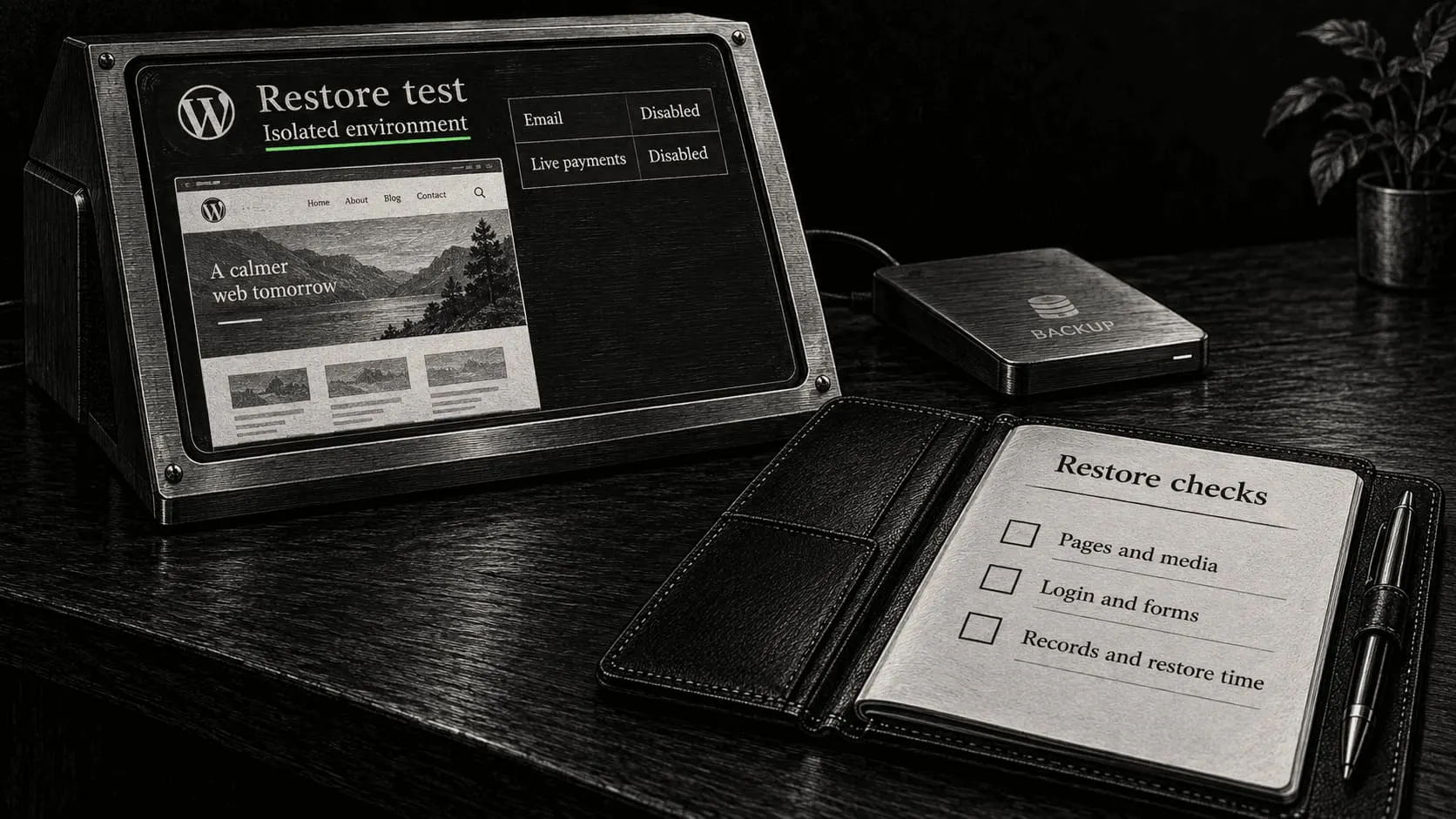
Use a separate test environment with suitable access controls. Before restoring, isolate outbound email, live payment credentials, webhooks, scheduled integrations, and other actions that could affect production. Prevent the copy from being publicly indexed; authentication is more appropriate than relying solely on a robots instruction to protect private data.
Restore to the correct directory and database
Follow the supported Duplicator restore method for the archive and destination. Confirm the target directory and database before allowing replacement. Use the installer’s data-aware URL handling rather than an indiscriminate text replacement inside serialized application data. Duplicator installer guide
Test restored WordPress functions and remove installer files
After restoration, check:
- The intended pages, media, users, and representative records are present.
- WordPress administration and permalinks work in the test environment.
- Required theme and plugin behavior is compatible with the destination.
- Forms can be tested through an isolated destination.
- Store records and other important data match the chosen recovery point.
- The procedure’s elapsed time and missing dependencies are recorded.
Remove installation artifacts using the vendor’s cleanup process and verify that temporary files are not left accessible. Duplicator cleanup guidance
Record the test result, not just “backup checked.” A failed test is useful evidence: repair the process while the live site is still available.
Restore production with a data decision, not just a restore button
Choose a recovery point and reconcile newer business data
Identify the failure and choose an appropriate recovery point. Preserve current data and useful evidence where possible before overwriting the system. If compromise is suspected, address the cause as well as restoring content.
For a live store, account for orders, payment events, stock changes, and customer messages created after the backup. A database restore does not synchronize those events with the payment provider automatically. The owner and implementer need an explicit reconciliation plan before replacing live records.
Verify the recovered site before returning to maintenance
After recovery, verify HTTPS, domain behavior, forms, mail credentials, integrations, and cache invalidation. Review scheduled jobs and backup destinations too: a restored environment may have outdated or deliberately removed settings.
Use the launch checklist as a functional review, and return the system to the maintenance process only after the responsible person knows its current state.
Frequently asked questions
Does Duplicator automatically back up everything regularly?
No. Scheduling depends on the edition and configuration, and contents depend on the archive settings. Confirm what is actually enabled and inspect recent successful copies.
Is a backup on the same server enough?
It can support a limited rollback, but it does not provide independence from server or account failure. Include a protected recovery copy that remains accessible when the live server is unavailable.
Are provider snapshots a replacement for WordPress backups?
They have a different scope and restore process. Check disk coverage, attached storage, database consistency, and account dependencies. Use them according to the failure scenarios they actually address.
How often should a store be backed up?
Start from the acceptable loss of new orders and other records. The plan may need more frequent or more advanced data protection than a simple periodic full archive. Verify the resulting recovery capability rather than promising a frequency without considering transactions.
Can I test a restore on the live site?
A separate isolated environment is normally the appropriate place to prove the process. A live restore can overwrite current data and trigger external actions. Production recovery should follow an explicit plan for the real incident.
Who checks that backups keep working?
The assigned maintainer. Monitoring needs to cover completion, age, storage, and periodic restore evidence. Continued work by me is part of an agreed management arrangement, not an automatic consequence of installing Duplicator.
Build a recovery plan for your website
Tell me how often the site changes, whether it takes orders, and what backup arrangement currently exists. I can help configure the WordPress and server-side recovery layers and make their coverage and responsibilities clear.