

 WordPress & YOOtheme Pro
 WooCommerce Development
 Website Planning
 Website Ownership & Access
 Website Support & Growth
 Website Launch Checklist
Website Infrastructure: Build a Dependable Foundation for WordPress
A website needs more than a place to store its files. The domain must lead to the right server, the server must run the application, and an inquiry must reach someone who can respond. The business also needs a way to recover the site and keep control of its accounts.
Infrastructure is the system connecting those responsibilities. When the connections are understood, it becomes easier to launch, diagnose failures, and change providers without losing track of the business’s assets.
This guide explains the foundation I use when building WordPress websites: primarily a client-specific Hetzner server, Linux and FASTPANEL, Zoho for business email, Cloudflare Free, and appropriate caching and backup arrangements. Other server providers can be considered for US projects. The practices below explain how to choose and verify the setup, rather than assume that one configuration fits every site.
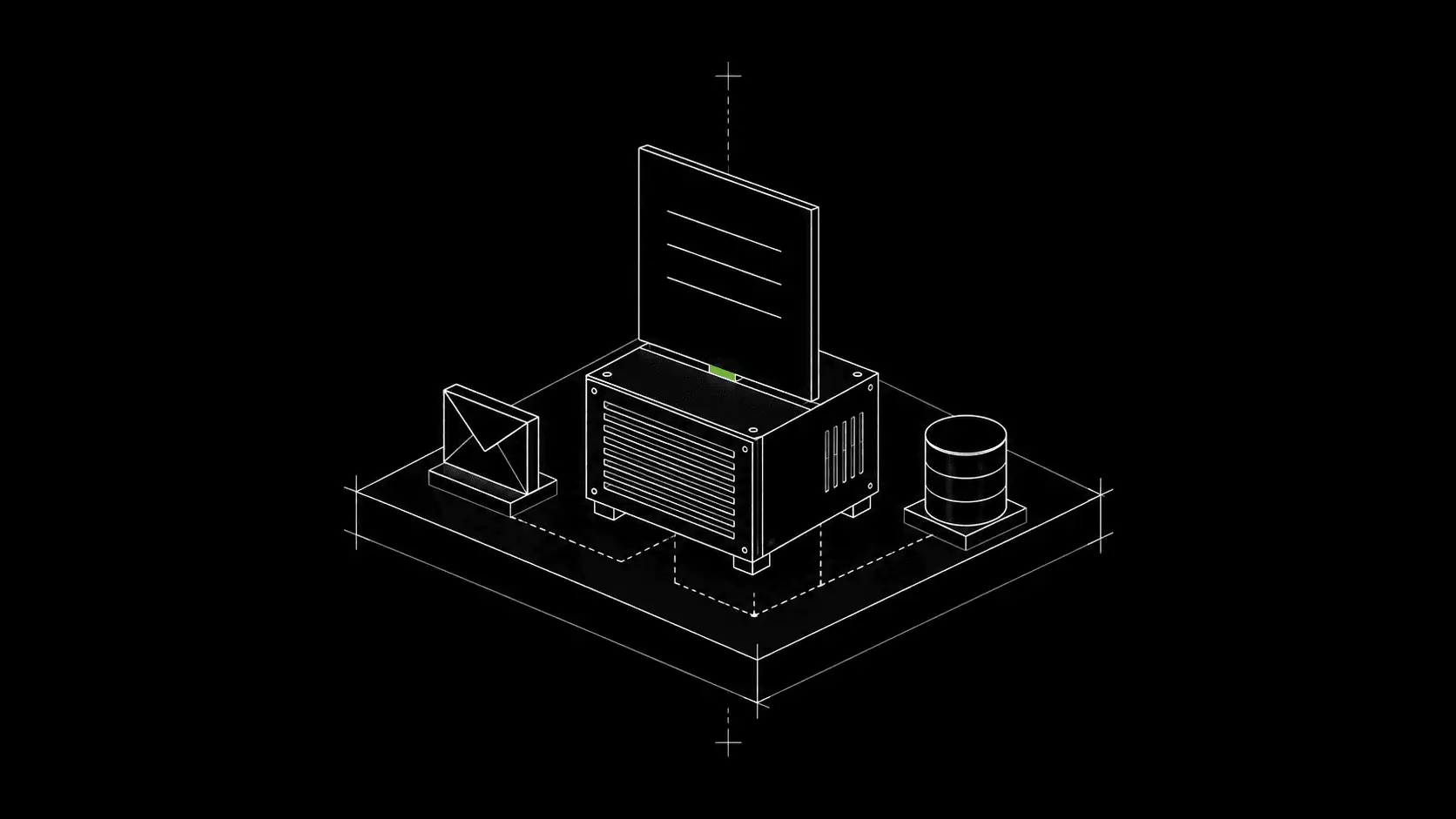
Understand the website path and the email path
Map the routes before configuring the services
The main connections look like this:
DOMAIN
  │
  └── DNS ──┬── Website records ──→ Cloudflare ──→ Origin server ──→ WordPress
            │
            └── Mail records ─────→ Zoho Mail ────────────────→ Business inboxes


WORDPRESS FORM ──→ Sending service ──→ Recipient inbox
Distinguish registration, DNS, hosting, and mail
The registrar maintains the domain registration. The authoritative DNS provider publishes its records. A website record directs web traffic; mail records direct incoming email. These jobs can be performed by different providers without changing the public domain name.
Cloudflare can provide DNS and proxy eligible website traffic. It does not replace the WordPress server or become the business mailbox. WordPress form sending is another connection: receiving email at a domain does not automatically configure the website to send authenticated notifications.
This separation is useful during troubleshooting. If the site loads but the inbox stops receiving mail, replacing the website files is unlikely to address the missing mail route.
Choose the complexity the project can support
Match the server arrangement to operating responsibility
A client-specific VPS provides a clear environment and account boundary for the project. It also creates operating responsibilities: updates, resource management, access protection, backups, and recovery. Renting the server does not automatically include application administration.
For a typical content-focused WordPress site, a straightforward single-server setup may be a reasonable starting point. A store or integration-heavy site needs closer attention to dynamic requests, scheduled work, and the consequences of an outage. Multiple servers are justified by requirements, not by a desire to make a small project appear sophisticated.
Size the environment for the actual workload
Choose resources from the workload. Consider the database, PHP processes, media, backup creation, imports, and the need for temporary disk space. A low monthly compute price is useful only if the system can perform the work reliably and someone can maintain it.
Compare origin locations for US projects
For a US audience, compare origin locations as well as provider names. Hetzner offers US cloud locations; DigitalOcean and Vultr are additional candidates to evaluate. The WordPress server guide covers their selection criteria and the setup sequence. They are alternatives for project planning, not a claim that I operate every client’s site on every provider.
Put account ownership in place before configuration
Keep ownership and recovery with the client
Register the domain and infrastructure under the client’s control wherever possible. Give the implementer appropriate access, and keep recovery methods and renewal notices accessible to the owner.
Document what each account controls
Record the provider, account owner, billing contact, purpose, and recovery route for each component. Keep passwords and tokens in a secure credential system rather than in a public brief or ordinary content document.
| Component | Its responsibility | What the owner needs to retain |
|---|---|---|
| Domain registrar | Registration, renewal, nameserver delegation | Account control and an independent recovery route |
| DNS and Cloudflare | Published records and configured web delivery rules | Zone access, record inventory, and rule documentation |
| Server and FASTPANEL | Operating environment and site administration | Provider control, administrative access, and setup notes |
| Zoho Mail | Business mailboxes and mail administration | Organization control, users, billing, and recovery |
| WordPress and integrations | Content, forms, store functions, and application settings | Owner access, dependencies, and configuration records |
| Backup destination | Recoverable copies independent of the live website | Access that remains available if the web server fails |
The website ownership guide explains the full inventory and handover. Infrastructure work should make another qualified maintainer’s arrival possible without requiring the business to surrender its domain or rebuild its email identity.
Connect the domain without disturbing other services
Inventory the existing zone and find the authoritative provider
Before changing nameservers or records, inventory the current zone. A domain can already support mail, verification records, subdomains, and external tools even when its website is unfinished.
Use the active authoritative DNS provider for changes. Editing records in a registrar’s old DNS panel has no effect if the domain delegates DNS elsewhere. Check the delegation, then verify the published records instead of repeatedly saving changes in several panels.
Prepare, change, and verify the transition
Treat a DNS change as a controlled transition: save the previous records, prepare the destination, make the change, and test the intended services. Existing caches and TTLs can affect when a change becomes visible, so a successful test from one device is only part of the review.
The domain and DNS guide explains record types, delegation, verification, and how to distinguish a DNS problem from an application error.
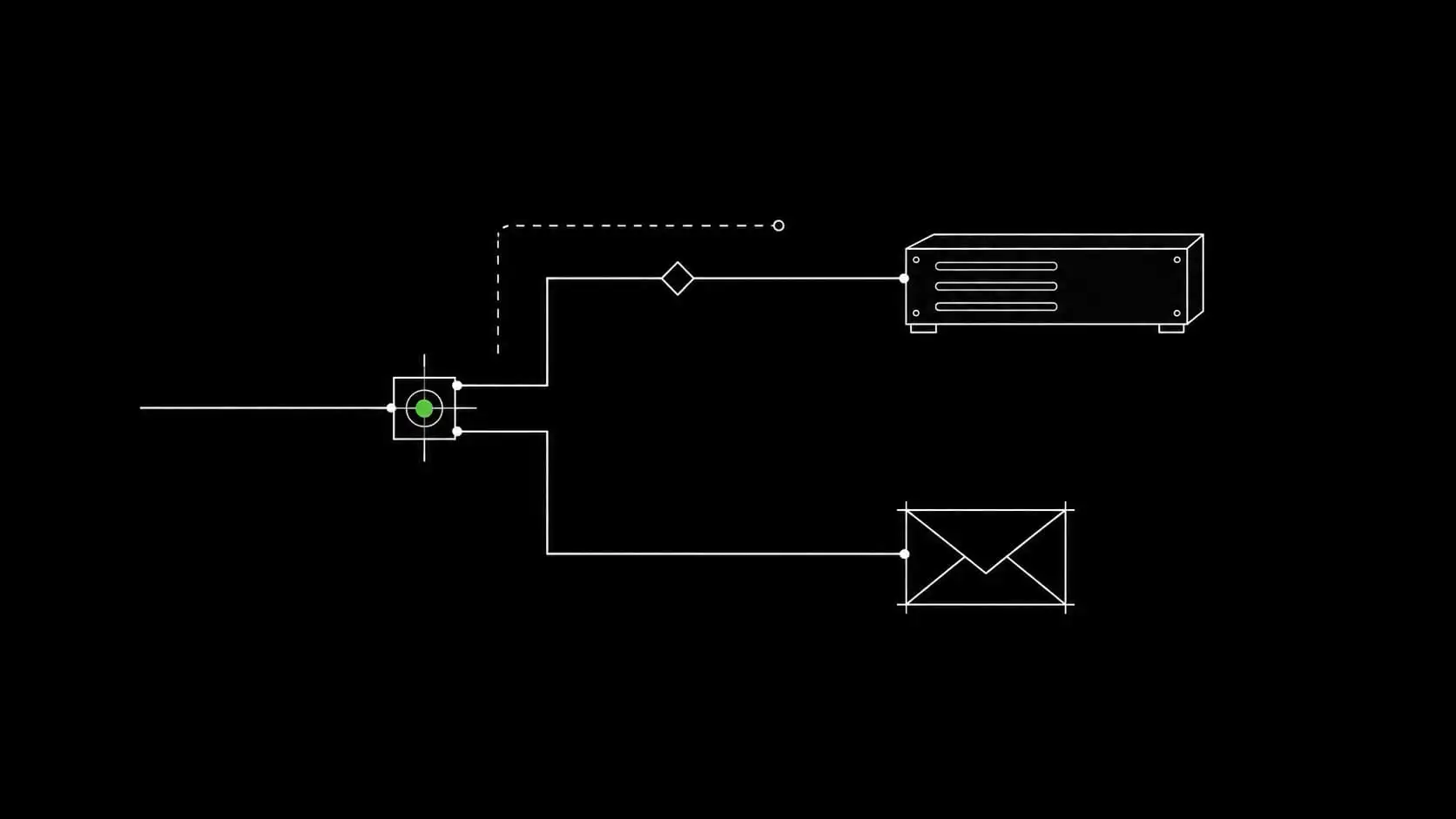
Configure Cloudflare around a working origin
Choose the required services and verify origin HTTPS
Cloudflare Free is the starting plan in my usual setup. Enable the services the project needs and verify their effect before adding more rules. A paid feature mentioned in a tutorial is not automatically included in the Free plan.
Establish working HTTPS on the origin and use an appropriate Cloudflare-to-origin configuration. Full (strict) validates the origin certificate as well as encrypting the connection. The browser’s padlock alone does not demonstrate that the origin leg is correctly configured. Cloudflare Full (strict)
Check proxy choices against real business workflows
Keep mail-related hostnames configured for their actual service. Proxying website traffic and routing email are different operations. Review protective rules against legitimate forms, payment callbacks, and administrative activity so protection does not silently block the business process.
The Cloudflare setup guide covers the transition, proxy choices, TLS, cache behavior, and diagnosis of common failures.
Prepare the WordPress server as an operating system
Understand which component controls each setting
Linux, the web server, PHP, the database, and the control panel form a connected environment. Install a supported combination and know which component manages each setting.
FASTPANEL provides site-management tools, but the PHP handler still matters. An Nginx and PHP-FPM site does not use Apache’s .htaccess rules. Instructions copied from a different server arrangement can therefore appear to have been applied while changing nothing useful. FASTPANEL PHP modes
Establish a working baseline before optimization
Create the site, database access, HTTPS, and necessary application configuration, then test WordPress before introducing optional optimization. Record how custom server settings are maintained so a panel action does not unexpectedly overwrite an undocumented change.
Include scheduled tasks, log handling, and space for backup operations in the setup. A site can load correctly while a background task never runs or the disk gradually fills.
The server setup guide takes this from provider selection through an operational baseline.
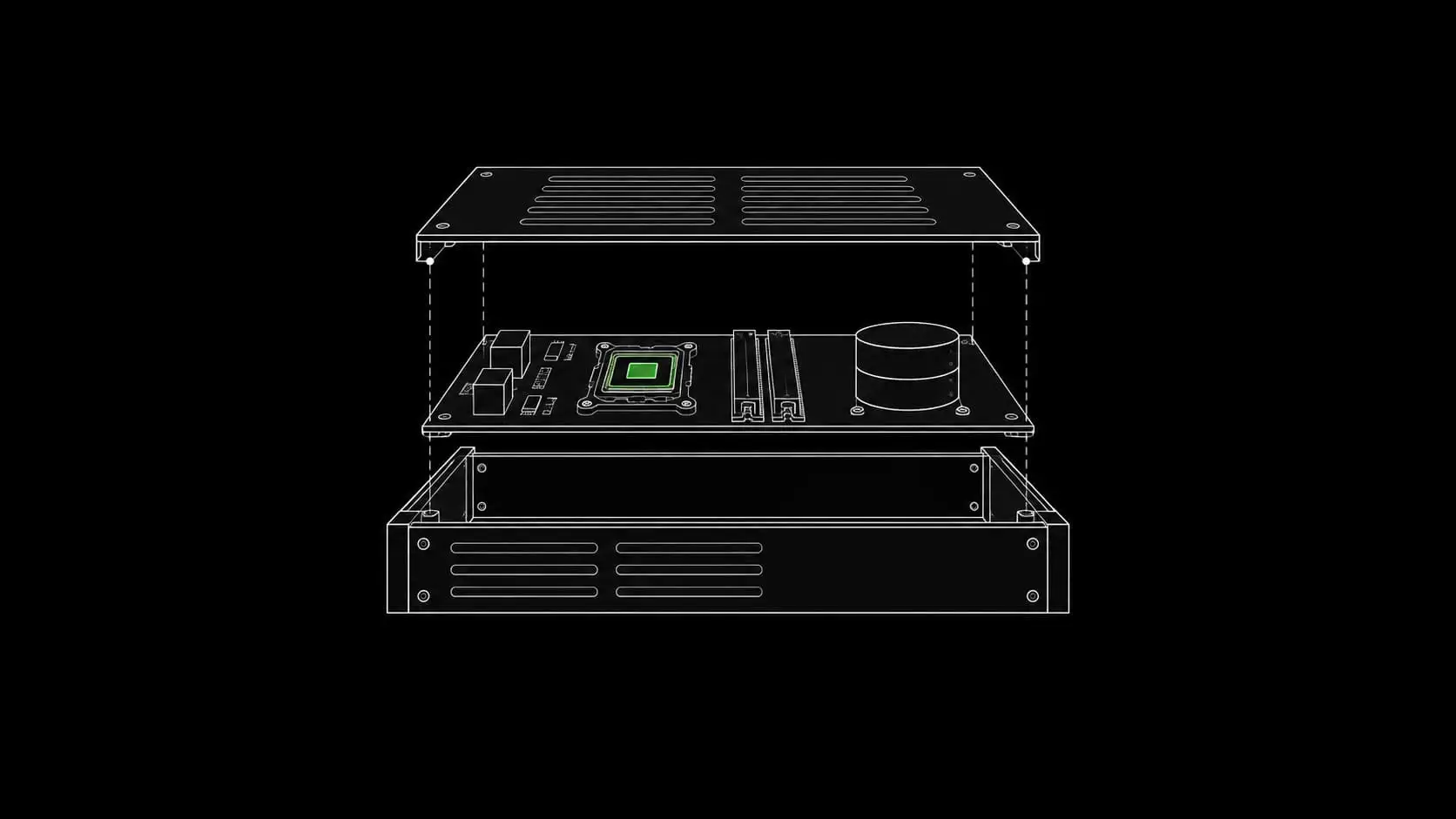
Make business email and website notifications work together
Set up receiving and authenticated sending separately
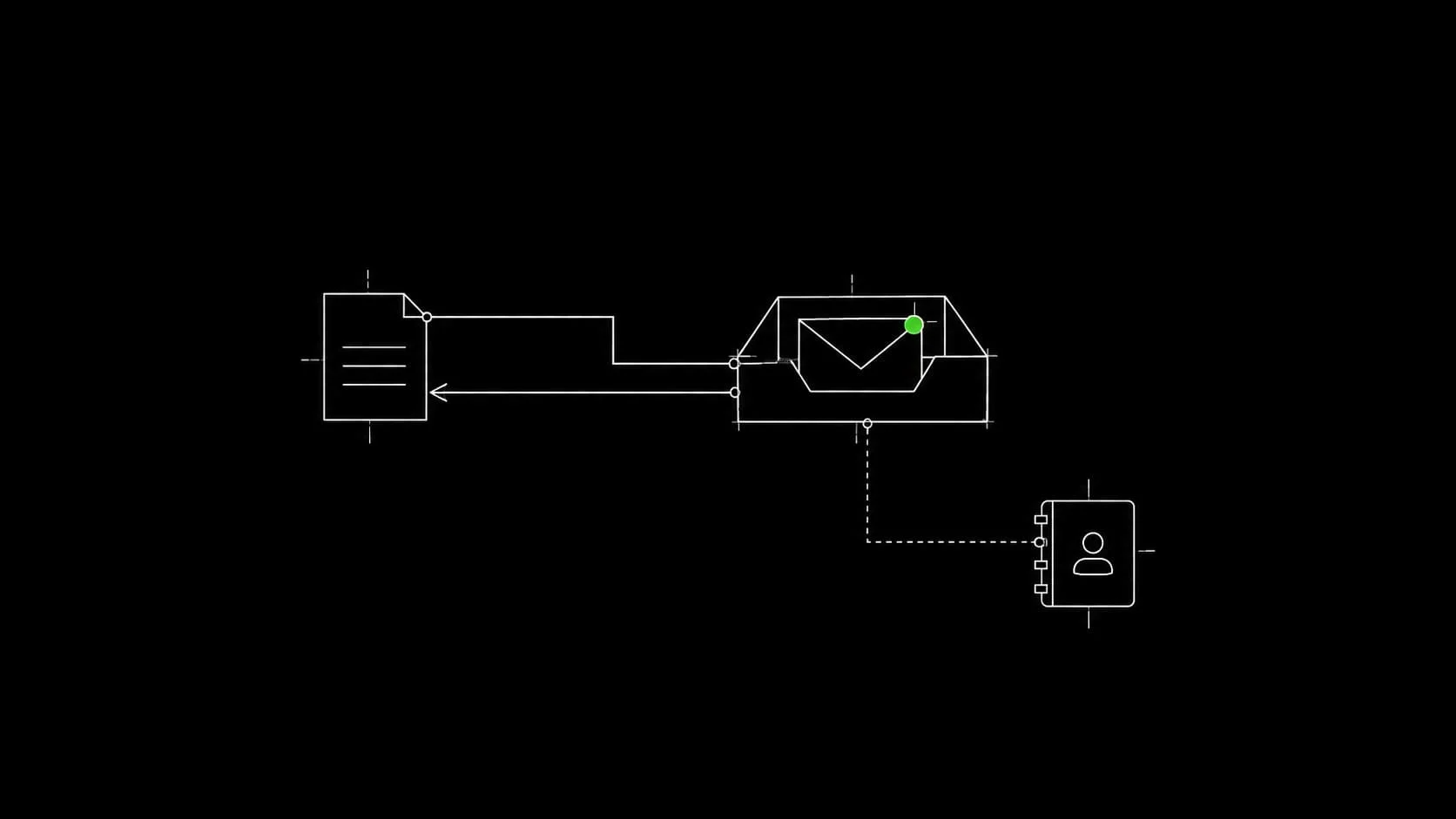
I use Zoho for business mail and can connect Zoho CRM where the project needs it. Start with the mailbox organization, domain verification, mail routing, and sender authentication before treating the form as ready.
A website notification needs an authorized sending identity. The visitor’s email belongs in the appropriate reply field, not as an arbitrary address the server pretends to own. The receiving mailbox, sending method, and any CRM route must each be checked.
Verify receipt, replies, and the CRM route
Test a real inquiry from submission to receipt and reply. If a CRM integration is included, check that the expected record and owner are created. An on-screen success message proves neither inbox placement nor successful CRM processing.
The business email guide explains these separate routes and how to diagnose failures without switching providers at random.
Give each cache a specific job
Identify what each cache can safely reuse
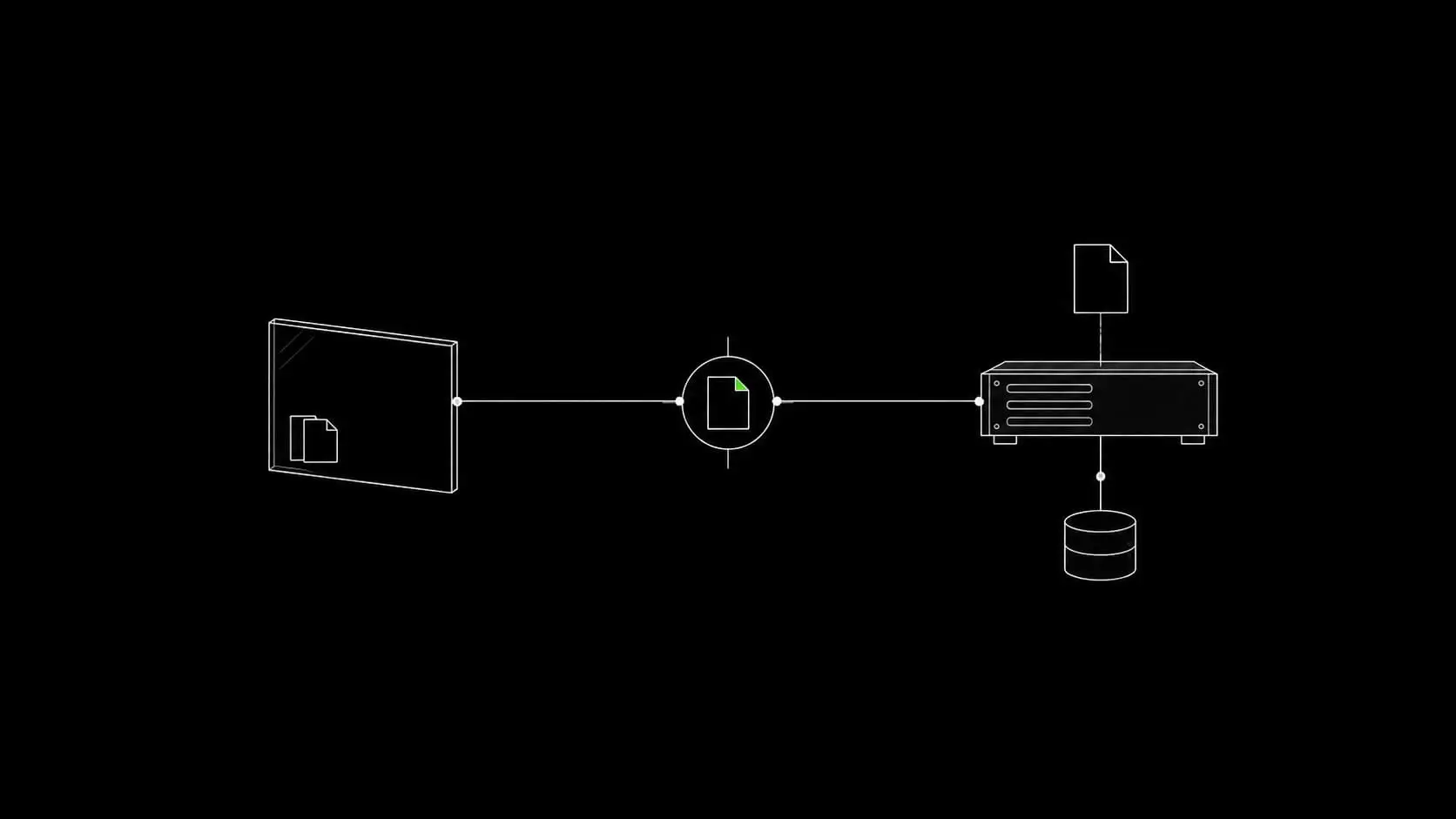
Caching is useful when the system can safely reuse something that has already been produced. Different caches reuse different things:
- Nginx FastCGI Cache can reuse eligible generated page responses.
- Redis can support persistent WordPress object caching when the appropriate integration is configured.
- Cloudflare can cache eligible resources at its edge.
- Browser caching allows a visitor’s browser to reuse resources according to the response policy.
These are not interchangeable. A Redis connection does not establish that page caching works. A Cloudflare cache miss does not establish that the origin generated the page from scratch. Purging one layer does not necessarily clear the others.
Coordinate browser policy with the server and Cloudflare
For browser caching, FASTPANEL already exposes static-file cache duration settings. I recommend using the server’s response policy and coordinating it with Cloudflare rather than adding a plugin solely to modify Apache rules on an Nginx setup. FASTPANEL static content
The WordPress caching guide explains eligibility, exclusions, invalidation, browser lifetimes, and tests that cover both performance and correct content.
Protect access and private data at the correct layer
Restrict access to accounts and internal services
Protect the provider and panel accounts as well as WordPress. Keep services such as the database and Redis restricted to the connections they need. Avoid exposing internal administration merely because the website itself must be public.
Use individual access where supported, appropriate permissions, and secure recovery arrangements. Keep software maintained and record the purpose of installed components. A security plugin cannot compensate for a publicly downloadable backup or an abandoned administrator account.
Test protective rules without blocking legitimate work
Public web protection also needs context. A broad rule may stop unwanted traffic while blocking a legitimate checkout callback. Test sensitive changes against the site’s real workflows, and preserve a way to recover administrative access.
The security guide covers account, network, application, and recovery boundaries. Its objective is risk reduction and a manageable response process, not a promise that a site can never be compromised.
Design recovery around the data you cannot afford to lose
Set recovery requirements before choosing the backup method
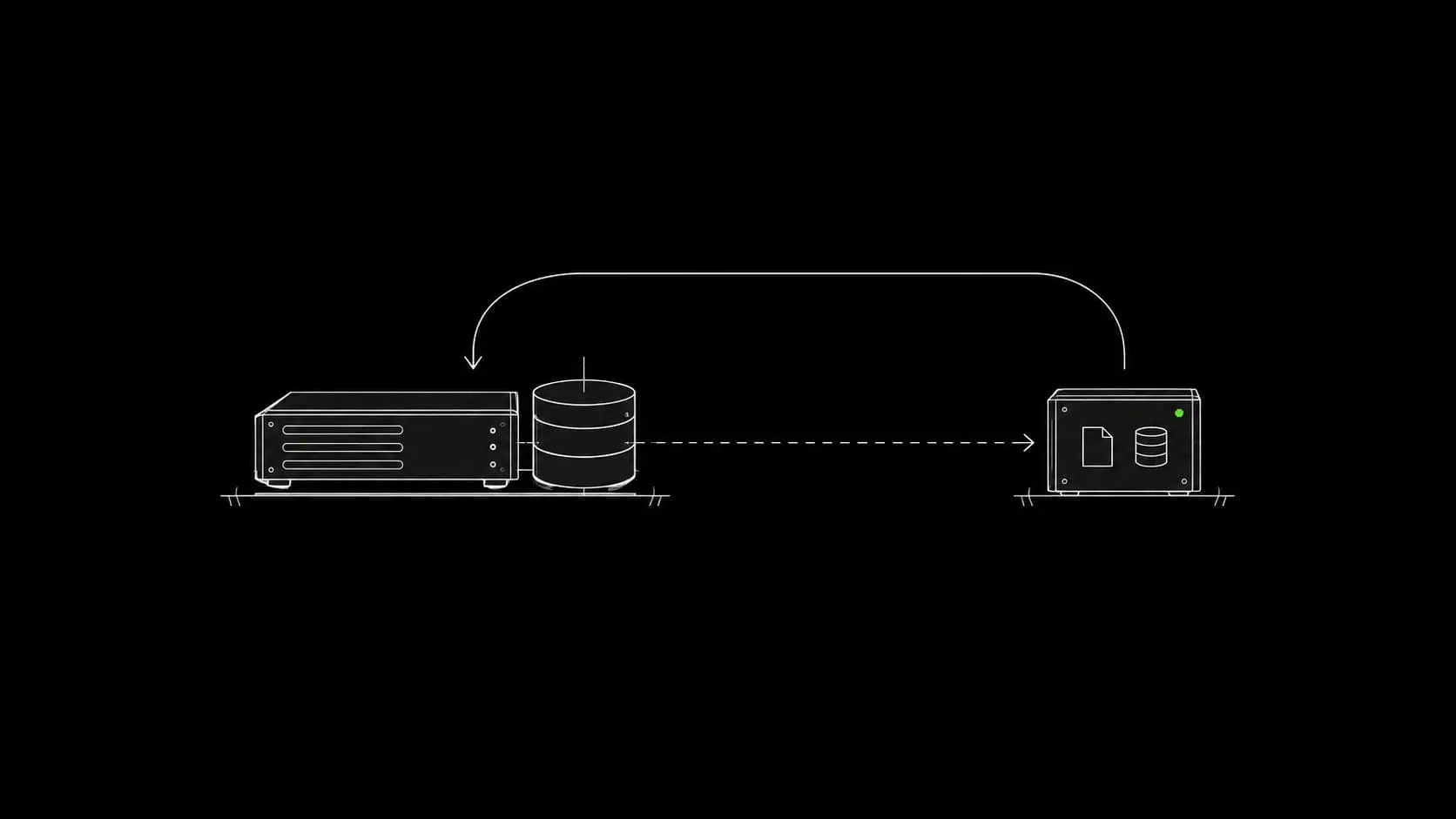
Decide how much recently created data could be lost and how long the business could tolerate an unavailable site. These decisions determine backup frequency, retention, storage, and the effort justified by recovery preparation.
I use Duplicator for WordPress backups. Scheduled and remote-storage capabilities depend on the edition and arrangement; server-level backups can also be configured. Neither a plugin name nor an enabled schedule proves that a complete usable copy exists.
Preserve an independent recovery set and test restoration
Keep recoverable material away from the live server and test the restoration route. WordPress files and database do not include every external dependency: DNS, mail accounts, provider access, and server configuration need their own records.
Account for orders created after the backup
For a store, restoration must account for orders received after the selected backup. Replacing the database can otherwise remove newer business records even when the old site appears to work perfectly.
The backup and recovery guide provides a practical recovery plan and explains the differences between WordPress archives and infrastructure backups.
Monitor the server and assign someone to respond
Watch resource pressure and service behavior
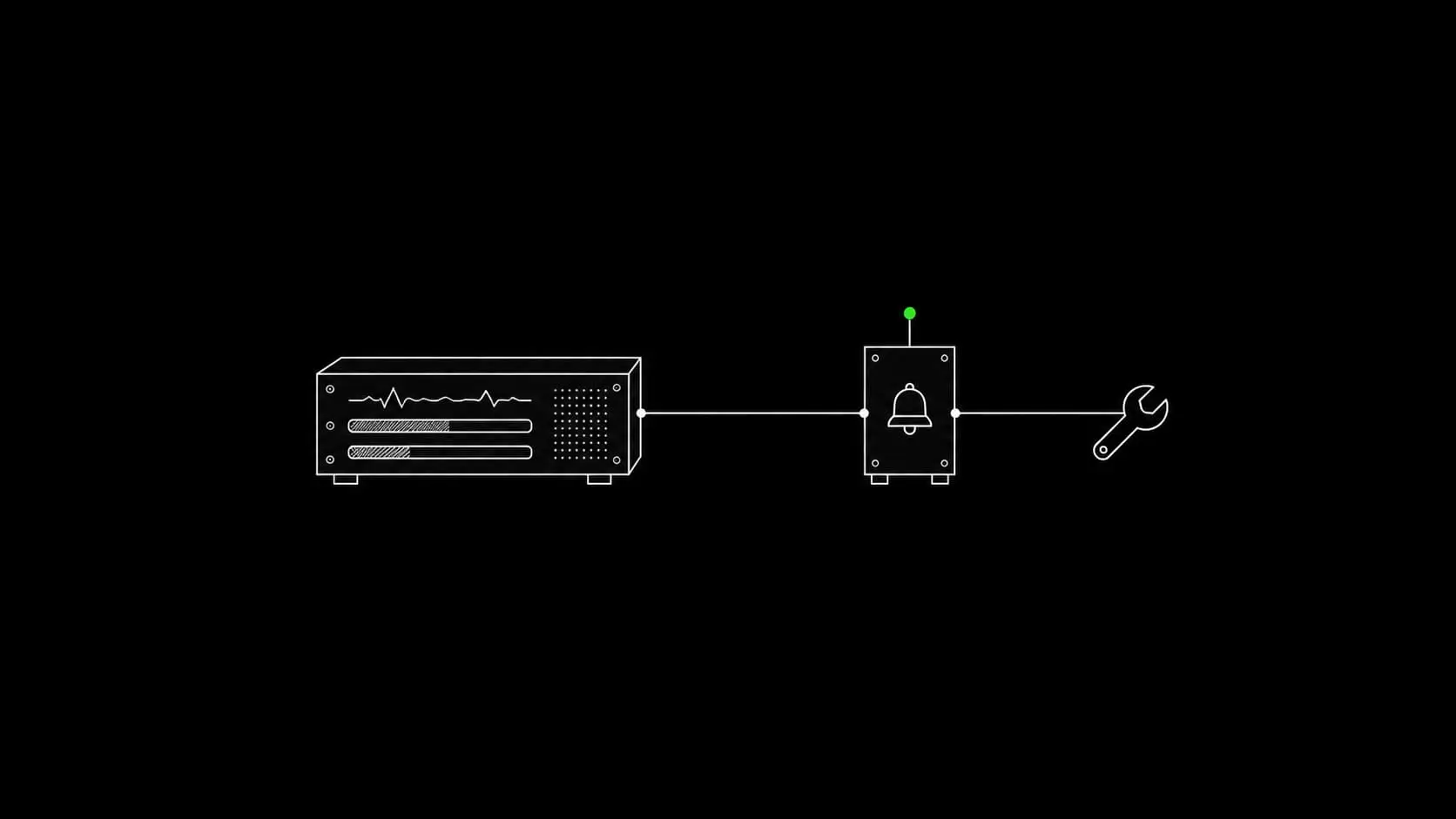
Infrastructure monitoring should reveal resource pressure, failed services, and operational problems. Look beyond whether the homepage responds. CPU, memory, disk space, database behavior, PHP workers, logs, and scheduled backup completion can explain failures that a simple uptime check cannot.
Connect alerts to an agreed response
Choose an appropriate monitoring tool and an alert destination. A Telegram bot is an option when a custom notification route is useful; it still needs maintained credentials, meaningful thresholds, and a recipient who can act.
This infrastructure work is distinct from page crawling, SEO-setting checks, and content-change monitoring. Those website-level topics belong in Technical SEO. Here, the focus is keeping the underlying environment observable and serviceable.
The server maintenance guide explains signals, response steps, updates, and responsibilities. Continued management is agreed explicitly; after an independent handover I do not assume ongoing access or monitoring.
Check the foundation before calling it complete
Verify the dependencies in order
A useful acceptance review follows the dependencies. Confirm account control and DNS, then HTTPS and application behavior. Test forms and mail, verify cache exclusions, confirm backup access, and identify the responsible maintainer.
Record the evidence and remaining work
Keep a brief record of the environment, tests, and remaining work. The website launch checklist connects these infrastructure checks with the content, navigation, and analytics review for the complete site.
Frequently asked questions
Do I need an individual server for a small website?
Not every website requires one. I primarily use a separate server for each client because it gives the project a clear operating and ownership boundary. The choice still needs to account for cost and ongoing administration. A VPS is not the same as a dedicated physical machine or high availability.
Can a US business use Hetzner?
Yes; Hetzner has US cloud locations, including Ashburn and Hillsboro. Check the specific product and availability when ordering. DigitalOcean and Vultr can also be evaluated against the project’s location, resource, and support needs. Hetzner locations
Does Cloudflare Free replace hosting?
Not in this WordPress setup. The site still runs on its origin server. Cloudflare handles the configured DNS, proxy, and edge functions around it. Dynamic responses still depend on the origin when they are not safely cached.
Does the server price cover the whole infrastructure?
No. Compare compute, IP addressing where charged separately, storage, backups, mail, licenses, and administration. Prices and regional availability change, so the project estimate should use current provider figures rather than a permanent headline price in this guide.
Why keep email outside the website server?
It separates mailbox operation from web-server administration and gives business email its own management environment. A web-server outage then does not necessarily interrupt the hosted inbox. Domain, DNS, and account failures can still affect both, so those dependencies remain important.
Do I need a browser-cache plugin?
For the FASTPANEL/Nginx arrangement described here, static-resource caching can be configured at the server. Verify the actual response headers and coordinate Cloudflare’s behavior. A plugin is not a prerequisite for the browser to cache a file.
Is a Duplicator backup enough on its own?
It can cover an important WordPress recovery layer, provided its contents and restore process meet the project requirements. It does not automatically preserve every server setting, external account, or mailbox. Define the complete recovery set and test it.
Who maintains the infrastructure after delivery?
You can manage it yourself, appoint another maintainer, or arrange continued work with me. Renewal, updates, backups, and alert response need named responsibility. Continued support is separate from handing over the completed setup.
Have the infrastructure connected for your project
If you want help implementing this foundation, describe your website, audience, and existing accounts. I can connect the domain, server, mail, and WordPress environment as part of the project, with ownership kept under your control.