

 WordPress & YOOtheme Pro
 WooCommerce Development
 Website Planning
 Website Ownership & Access
 Website Support & Growth
 Website Launch Checklist
Why Is My WordPress Page Not Indexed? A Crawling and Indexing Guide
You publish a page, open it in your browser, and see the content you expected. That confirms the page works for that visit. It does not tell you whether Google has discovered it, retrieved the same content, or chosen to include it in search.
The most productive next step is to establish which of those questions remains unanswered. This guide takes you through that investigation without treating every missing page as a penalty or every indexing delay as a server problem.
It is part of the technical SEO cluster. Use it when a specific page or page family is missing from Google; use the audit guide when the problem is broader or still unclear.
Confirm the exact page and its intended role
Check the exact public URL and its intended search role
Copy the URL from the published page, including the hostname and any parameters. Record whether it is meant to be an independent search destination, an alternative version, or a page intentionally excluded from search.
Then open that exact URL while logged out. Check whether it remains at the same address, redirects, requires a login, or returns an error. A preview link in the WordPress editor is not a suitable substitute for the public URL.
If the page redirects to its replacement, investigate the destination. If it is intentionally private, absence from search is not the problem. If it should be public but visitors receive a maintenance or access screen, resolve that delivery issue before changing the content.
Record publication, crawl, and observation dates
Keep a short record:
Target URL:
Intended search role:
Publication or major update date:
Public response observed on:
Search Console state and report date:
Last Google crawl shown, if available:
Recent related changes:
This prevents an older crawl observation from being confused with a test of the repaired website.
Read the reported state before choosing a fix
Interpret the recorded Page indexing state
Inspect the URL in the correct Search Console property. The key distinctions below summarize the state labels; the next sections describe a practical investigation rather than a guaranteed explanation for each state.
| State | What it establishes |
|---|---|
| Discovered, currently not indexed | Google knows the URL but has not yet crawled it |
| Crawled, currently not indexed | Google fetched the page but has not indexed it |
| Excluded by noindex | An exclusion instruction was observed |
| Duplicate or alternate | Another version is involved in Google’s selection |
| Fetch, redirect, or server error | Delivery failed in the reported observation |
Google’s Page indexing report documentation defines these states. A non-indexed state is not automatically an error, and the label alone may not establish the root cause.
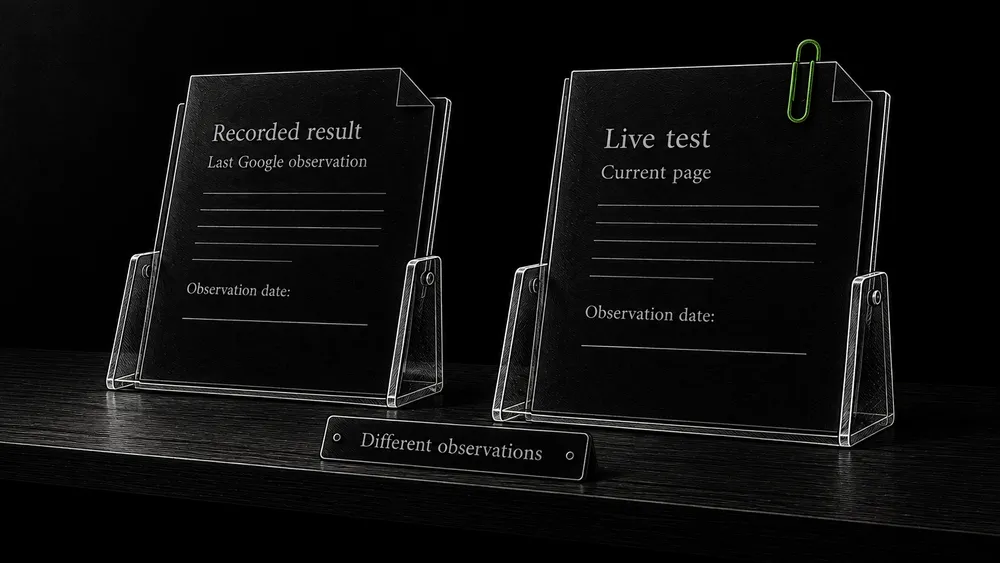
Compare the recorded result with a current live test
Save the result before running a live test. Use the live test to inspect current accessibility and rendered output, while retaining the historical result for comparison. The two observations can legitimately differ after a change. Google’s single-page troubleshooting guide explains how to use these views.
If Google has not discovered or crawled the page
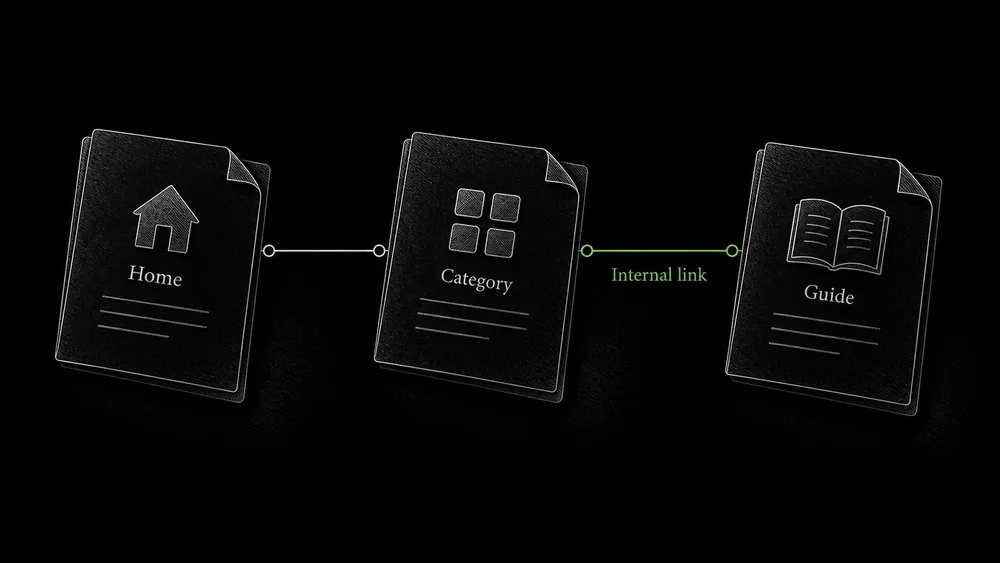
Check the route from the relevant parent page
Navigate from the site’s actual hub or category to the target. Inspect whether the link exists in the rendered page and points to the final public URL.
A working click handler is not necessarily a crawlable link. Google recommends anchor elements with an href containing a usable URL. Google’s link guidance explains the supported structure.
For a YOOtheme listing, verify the content query as well as the design. A category assignment, publication condition, or missing custom field can prevent the item from entering the list. Adding a link manually may help diagnose the symptom, but repair the listing logic if it is supposed to maintain those links automatically.
Check deeper pages too. A grid that displays the newest items may quietly remove older pages from the main discovery route. Those pages need an appropriate category, pagination, or contextual route that remains available as new content is published.
Compare the sitemap with the content inventory
Confirm whether the intended URL appears in the current sitemap. If it is missing, inspect the generator’s content-type and exclusion settings. If it is present, that establishes that you have supplied the URL, not that Google has already fetched it.
Use robots.txt and XML sitemaps for submission and consistency checks. Avoid repeatedly regenerating an unchanged sitemap as a substitute for investigating missing navigation or an inaccessible page.
Look for access evidence before blaming crawl budget
If many important URLs remain unvisited, inspect whether Google has encountered host problems and whether the site exposes a large number of unnecessary URL combinations. Compare the affected group with a similar group that is being crawled normally.
Google’s crawl-budget guidance is primarily relevant to very large or frequently updated sites. A small WordPress website should first investigate ordinary discovery, access, and publishing problems rather than assume it needs a specialized crawl-budget campaign.
A state label is not sufficient evidence to buy a bigger server. A delivery investigation should show recurring failures or capacity constraints before hosting changes are proposed. Infrastructure diagnosis belongs in server maintenance.
If the page was crawled but is not indexed
Check delivered content before judging its quality
Start with what Google could actually receive. Compare the public page with the intended content, then inspect its relationship to other pages.
Useful questions include:
- Does the article or service explanation appear in full, or only the shared header and footer?
- Does a template accidentally repeat the same body across different URLs?
- Is a product or category page still an empty shell?
- Does the page have a clear independent purpose within the content plan?
- Do its links and metadata consistently identify the intended version?
These are tests to investigate plausible causes. “Crawled, currently not indexed” does not by itself prove that Google has judged your writing poor, and rewriting everything immediately can destroy useful evidence.
Assess independent page value and duplicate relationships
If the content is delivered correctly, compare it with the closest neighboring page. Explain the distinct customer question each answers. If you cannot do that, an editorial review may be more valuable than another technical change. When pages are true alternatives or duplicates, continue with canonical diagnosis.
If the page is already substantial and distinct, preserve that finding. Record what has been ruled out and observe subsequent processing rather than inventing a missing technical trick. There is no setting that forces Google to index every technically eligible page.
If a WordPress setting excludes the page
Review sitewide, content-type, and page-level exclusions
Inspect the site’s Reading settings, the SEO settings for the content type, and any page-specific override. Then verify the response produced by those settings.
WordPress provides a “Discourage search engines from indexing this site” option. It affects search-engine instructions while leaving normal visitor access available; it is not a privacy barrier. WordPress documents this setting.
For a public production site, a staging setting accidentally retained during launch can be significant. For a private staging environment, removing it without establishing proper access protection solves the wrong problem.
Find the source of conflicting indexing instructions
Check both HTML directives and response headers. If the editor says a page is indexable but the public output says otherwise, identify which component is generating the conflicting instruction. Review the site, template, plugin, server, and cached response as needed. Make the correction at its source and verify the public result again.
The robots and indexing-control guide explains why blocking crawling can prevent Google from seeing a page-level removal instruction.
If the rendered page differs from the expected page
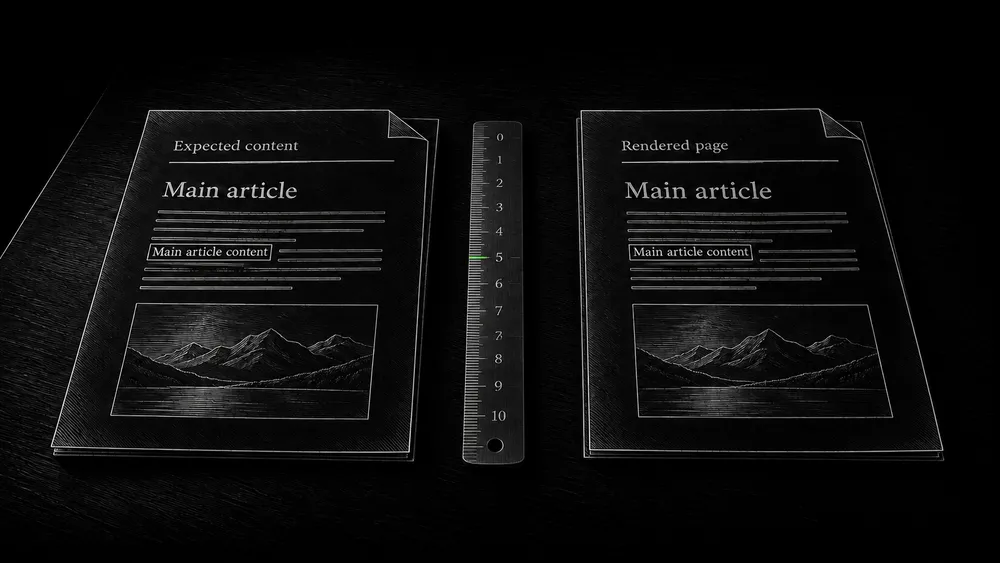
Compare the response with browser and Google rendering
JavaScript can change content after the initial response. Google processes rendered content, but blocked resources and implementation errors can affect what is available. Its JavaScript SEO guidance describes this processing and how to inspect the resulting HTML.
Compare three views when relevant: the initial response, the browser’s rendered page, and the rendered output available in Google’s testing tools. Search for a distinctive sentence from the main body. Check that a dynamic product list contains links to actual products rather than only a loading indicator.
Verify mobile content without requiring identical layouts
For mobile, compare the information rather than demanding identical visual layout. Google uses the mobile version of content for indexing and ranking and advises against loading primary content only after user interaction. Mobile-first indexing guidance explains these requirements.
An accordion containing available text is different from a button that must fetch the entire article. Inspect the implementation before declaring all collapsed content an SEO problem. The relevant question is whether the intended content is present and accessible, not whether the desktop layout has been reproduced pixel for pixel.
If a page used to be indexed and disappears
Match indexing changes to releases and affected page families
Build a timeline around the change. Compare recent releases, edits, availability incidents, URL moves, and changes to the page’s canonical or exclusion rules. Include the dates shown by Google, not only the date someone first noticed the problem.
Investigate whether the disappearance affects one page, a template, a directory, or the whole domain. A shared boundary often helps locate the cause. If all pages under one content type are affected, inspect its settings before editing unrelated pages.
Separate indexing exclusions from penalties and traffic changes
Review Search Console messages, including any reported security issues or manual actions, when the symptoms justify it. Do not describe a technical exclusion as a penalty. If the pages remain indexed but search visits decline, move to search-performance analysis instead of continuing an indexing investigation that no longer fits the evidence.
Request another crawl only after a meaningful change
Verify the repair before requesting another crawl
After correcting a specific problem, verify the live result. For a small number of changed URLs, an authorized Search Console user can request indexing through URL Inspection. For larger sets, use an accurate sitemap. Repeated requests do not speed up the same URL’s crawl, and submission does not guarantee indexing. Google’s recrawl instructions describe the supported routes.
Track later Google observations and recurring exclusions
Maintain a simple follow-up record: change date, successful live test, request or sitemap submission if used, and the next Google observation. Set a review date appropriate to the site’s publishing pace without presenting it as Google’s promised processing deadline.
If the same exclusion returns after an update, investigate recurrence. Website change monitoring with SeoDrift can support the record of site changes; use Search Console to establish Google’s reported state.
Frequently asked questions
Does “URL is available to Google” mean the page is indexed?
No. It is a live-test assessment of the current page’s potential accessibility and eligibility. Review the recorded indexing result separately. Keep both timestamps in your notes so a repaired live page is not confused with an older indexed version.
Should I rewrite a page as soon as it is crawled but not indexed?
First check delivery, rendered content, and duplication. If those are sound, assess the page’s independent value. A substantial editorial improvement may be justified, but a status label alone is not a content brief or evidence that a particular paragraph caused the exclusion.
Can Google find a page that is absent from my menu?
The main menu is only one possible link source. A page can belong in a category, contextual article link, or other useful route. The practical issue is whether the website provides a durable, relevant path to it, not whether every page appears in the top navigation.
Should I use a search query to count all indexed pages?
Use Search Console and inspection of important URLs for diagnosis. A manual search can help observe a result, but it is not a reliable complete inventory or a substitute for the page-level evidence needed to explain an exclusion.
What if the live page is fixed but Search Console still shows the old problem?
Compare the report and last-crawl dates with the repair date. Preserve the successful live test and monitor for a later observation. If a newer crawl still shows the issue, investigate inconsistent responses or an incomplete repair.
Do you keep checking indexing after handing over a website?
Continued checking is part of an agreed management arrangement. If the website is handed over without ongoing support, the owner or their next provider takes responsibility for follow-up. I do not assume continued access after the project ends.
Ask for help with the pages that matter
Send a few affected URLs and the exact Search Console message if you have it. Include when the pages were published or changed and what you expected to happen. That is enough to begin defining the investigation; you do not need to diagnose the cause yourself.