

 WordPress & YOOtheme Pro
 WooCommerce Development
 Website Planning
 Website Ownership & Access
 Website Support & Growth
 Website Launch Checklist
Dental Implant Clinic Websites with Online Booking
A website for a dental implant clinic where patients learn about treatment, understand the cost and financing, and book a consultation or CBCT scan online. Every appointment lands in the right doctor’s Google Calendar.

Why Implant Patients Need Online Booking
Implant treatment is a considered decision. Patients research for weeks, compare clinics, and often look in the evening when the front desk is closed. A clear website answers their questions about the procedure, the cost, and the recovery. Online booking turns that interest into a scheduled consultation before they move on to the next clinic.
What Patients Can Book Online

Implant consultation
Examination, treatment options, and a cost estimate.
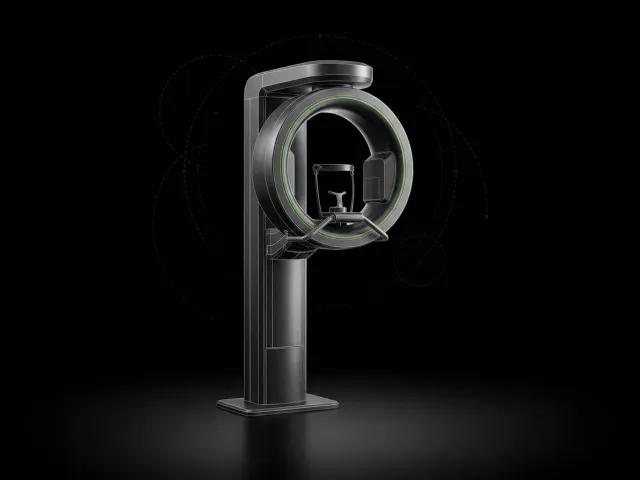
CBCT 3D scan
Imaging needed to plan implant placement.

Second opinion
A review of a treatment plan from another clinic.

Cleaning and exam
Routine care for existing patients.
Services, durations, and the doctors who provide them are configured to match your clinic.
Pages Included in a Dental Implant Website
 Home Home | The clinic, its doctors, and the next step for a new patient |
 Dental Implants Dental Implants | Single-tooth implants, All-on-4 and full-arch treatment, and implant-supported dentures |
 Cost and Financing Cost and Financing | What affects the price and how patients can pay over time |
 Before and After Before and After | Treatment results, published with patient consent |
 Our Doctors Our Doctors | Qualifications, experience, and the procedures each doctor performs |
 Patient Journey Patient Journey | From the first consultation to the final restoration |
 FAQ FAQ | Pain, recovery time, longevity, and candidacy |
 Book a Consultation Book a Consultation | Online booking with each doctor’s real availability |
 Location Location | Address, directions, parking, and hours |
Live Demo: Dental Implant Clinic
A complete demo website for a fictional implant clinic is being prepared. You will be able to browse every page and book a test consultation to see the patient experience from start to finish.
Patient Privacy in Online Booking
The booking form asks only for what is needed to schedule a visit: the patient’s name, contact details, and the type of appointment. Medical history stays in your practice management system. If your practice needs a workflow that handles protected health information, the requirements, including agreements with each provider, are assessed in the proposal.
From Domain to Launch for Your Clinic


Package prices are listed on the booking websites page.
Questions From Dental Clinic Owners
Can each doctor have their own calendar?
Yes. Each doctor’s Google Calendar is connected separately, and patients see only that doctor’s real availability.
Does it connect to my practice management software?
The standard setup works with Google Calendar. A connection to a specific practice management system is assessed separately in the proposal.
Who writes the treatment content?
I prepare the pages; your doctors confirm the clinical facts, prices, and claims before anything is published.
Can patients book a free consultation?
Yes. Each appointment type can be free or show its price, as your clinic decides.